

范围、证据与责任
ChinaConnect247 常见问题
为您约定的采购流程提供一个协调窗口,直接说明我们提供什么、何时需要独立专业人士、研究可以证明什么,以及哪些决定仍由买家负责。
My Fair app questions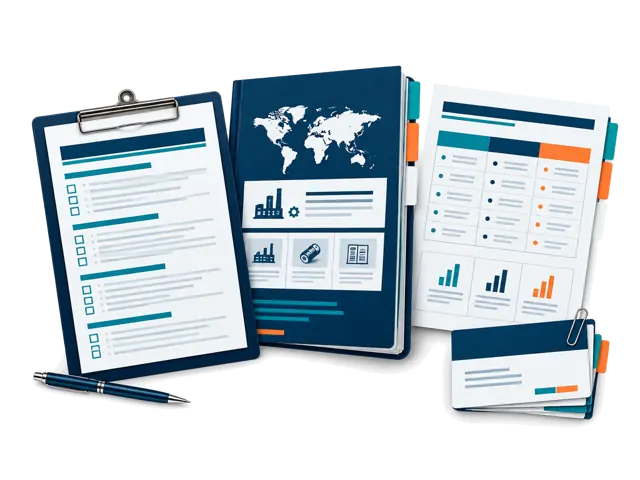
直接提供
研究、整理、记录、比较与协调。
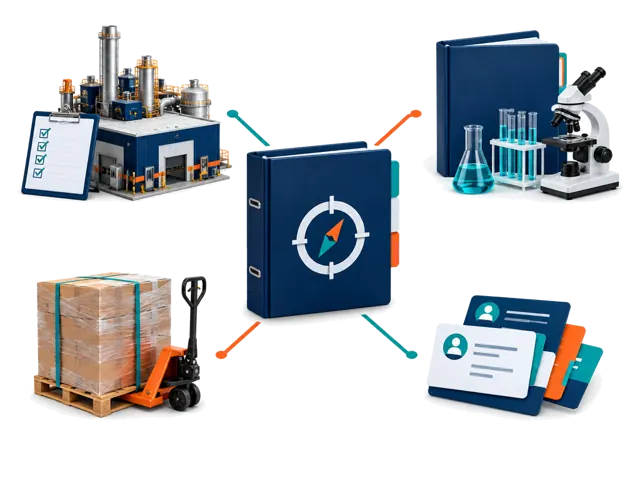
与服务商共同管理
实体和运营工作,取决于范围与可用性。
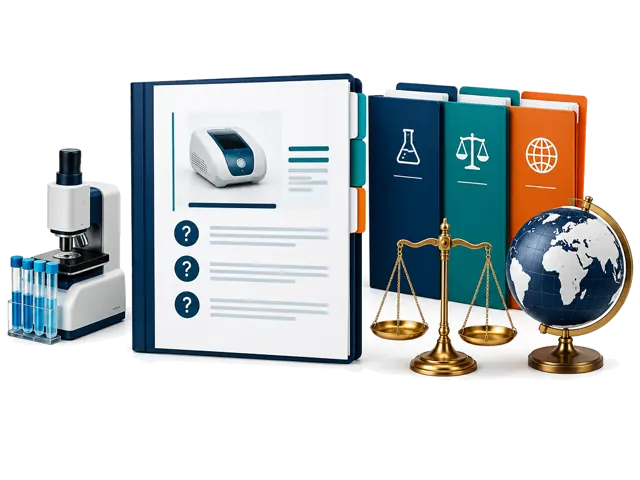
专业判断
法律、法规、实验室、海关及其他专业结论。
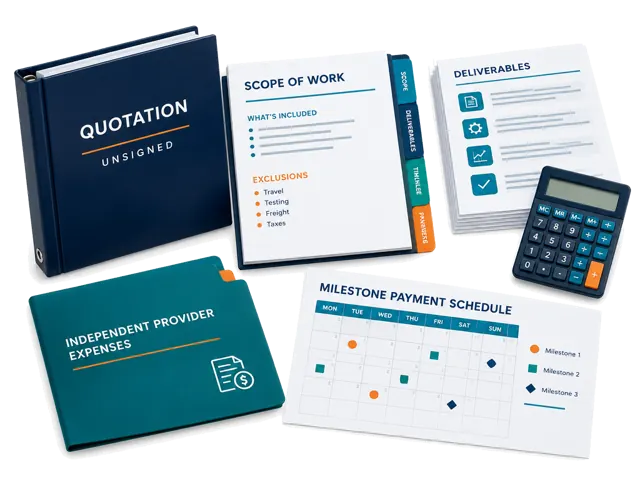
供应商报告管理服务起价 100 美元。工厂拜访协调起价 300 美元。
大型获批项目最高可达 50,000 美元。范围、服务商工作、排除项、付款阶段与责任边界都会书面确认。
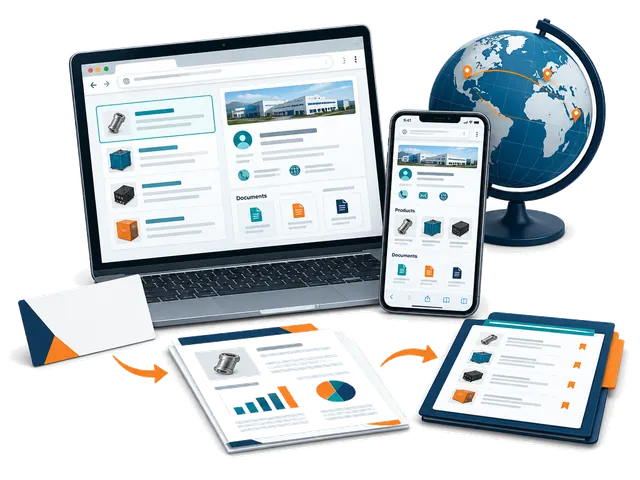
Self-service sourcing workspace
My Fair app: how it works
Use ChinaConnect247 in your browser on mobile or desktop. Start with a card or company name, research with your selling destination in mind, and keep the evidence and next steps together. No app installation or managed-service booking is needed.
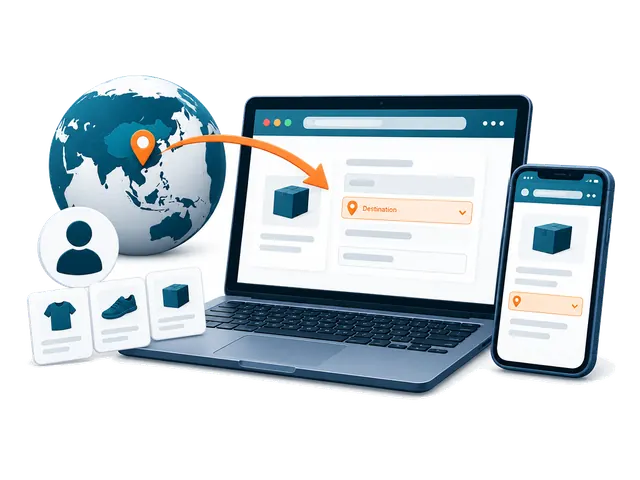
Getting started
What is My Fair, and who is it for?
My Fair is your private ChinaConnect247 workspace for supplier sourcing. Buyers can turn a business card or company name into a saved contact, public-source company research, a separate risk review, linked products and a sourcing decision trail. Suppliers can research their own company, see what international buyers can find, and prepare evidence and quotations for different destination markets. You remain responsible for checking important claims and deciding whether to proceed.
Do I need to download an app or attend Canton Fair?
No app download is required. Open ChinaConnect247 in a browser on your phone, tablet or desktop and choose Open My Fair. You can use it at Canton Fair, at other exhibitions, from your office or after returning home. A camera is useful for cards and photos, but a desktop user can upload an existing card image or add a company name manually.
Do I need an account, and which email should I use?
Yes. Sign in using an option offered on the login page so your private workspace can be associated with your account. Use the account email where you want supplier replies to arrive: built-in supplier follow-ups use your signed-in inbox as the reply destination. Use the same account on another device to access records that have finished syncing.
What information do I need before my first research?
Complete the first-time buyer setup with the country where the product will be sold or used, your buyer type, and the products or sourcing requirement you are considering. Add a state or region where useful. Optional sourcing model, order size, budget, customization, lead-time and quality priorities make the research more relevant. These answers guide the investigation; they are not automatically sent to suppliers. A supplier name or readable business card gives the research its starting company.
Why does the selling destination matter, and can I change it?
Product standards, labels, plugs, packaging and import questions depend on where you will sell or use the goods. Choose one concrete destination in My Fair and use the destination controls to change it or add another market. The current fair setup uses China as the sourcing base; that is different from the selling destination. Reports and market-specific activity remain associated with their saved destination, so research for one market should not be treated as clearance for another.
Do I have to buy a managed sourcing service to use My Fair?
No. My Fair is a self-service browser workspace with included research allowances. You can scan cards, add contacts, use available research and organize sourcing records yourself. Managed supplier reports, visits, inspections, documentation and other coordination services are separate engagements with an agreed scope and quotation. Buying a managed service is not a requirement for starting the app.
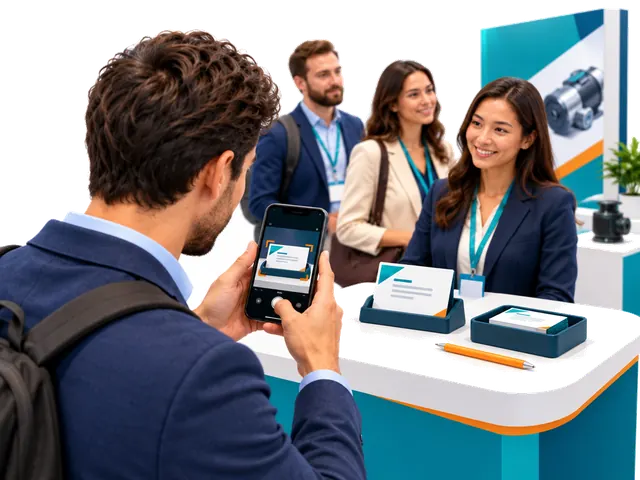
Cards and supplier contacts
How do I scan a supplier business card?
Choose the card-scanning control, take one clear photo of the side containing the company and contact information, or upload an existing image. Keep the card readable, in focus and free from glare. Allow camera access if your browser asks, or upload an existing photo instead. You do not need a second-side photo for the normal capture flow. My Fair saves the source image and extracts a supplier contact; review the result, then add any booth, meeting or product note you want to preserve.
Can I start without a card or without knowing a supplier yet?
Yes. Use Type company name manually to add a supplier. If you do not have a company in mind, explore the Exhibition Supplier Directory, find a relevant listing, copy its name and add it to My Fair. The directory is a discovery starting point, not proof of current participation, factory ownership or supplier quality. Company Research performs a public-source investigation rather than simply returning the directory listing.
Can I correct a scanned name or add missing information?
Yes. Review the extracted contact and edit the saved supplier or contact details when needed, including correcting the displayed name. Keep the original card and source evidence for comparison. A name correction does not independently establish the legal entity, factory ownership or a person's authority to quote, contract or receive payment.
What happens if the fair's internet connection is unstable?
Supported card capture and fair-floor items can be saved in the current browser on your device and queued for synchronization. Reconnect and keep My Fair available to let the pending items upload; check the saved-on-device and sync status before assuming they reached your account. Research and sending email require a connection. Unsynced items are not yet available on another device, so do not clear the browser's site data or abandon the device before checking that they synced.
Does scanning a card automatically record a meeting?
No. A card creates a supplier contact; it does not prove that a meeting occurred. Record real meetings yourself and add the booth, date, discussion, products, photos and next steps you want to remember. Use the bilingual conversation prompts to ask useful questions or show them to a supplier during a meeting. Products found in a report may be saved to the supplier without creating an invented meeting.
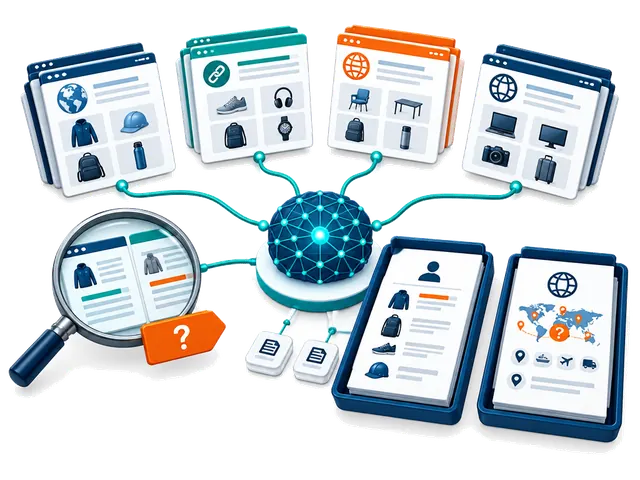
Research, modes and credits
What is the difference between Company Research and Supplier Risk & Compliance?
Company Research builds a source-linked profile covering identity and aliases, public websites and contacts, products, specifications, markets, manufacturing or trading signals, certification claims and unanswered questions. Supplier Risk & Compliance uses available research and the buyer's destination context for a separate decision brief covering supported and unverified findings, inconsistencies, product-specific compliance questions, contact and transaction risks, missing documents and next checks. Neither report approves a supplier, validates certificates, conducts a factory audit or provides legal clearance.
What do the four Company Research modes do?
Core Supplier Review is a broad first-pass review of identity, public contacts, products, markets and supporting sources. Fast is a shorter, lighter overview for orientation and may miss products, conflicts or sources. Extended Public-Source Review compares a broader set of public sources for corroboration, inconsistencies and unresolved questions. Product & Market Opportunity Scan emphasizes product lines, technical details, possible buyer and destination-market fit, and commercial questions. Coverage depends on available evidence; no mode guarantees verification, completeness, regulatory acceptance or confirmed opportunities. The Company Research mode setting does not select a different Risk & Compliance mode.
How does automatic research work, and can I turn it off?
Completing first-time setup enables automatic Company Research for new suppliers, with Core Supplier Review as the initial Company Research mode. Risk research starts switched off; you can enable it in the research controls. When Company automation is on and report allowance or credits are available, contact processing starts Company Research. If Risk automation is also enabled, the separate Risk review follows when Company Research is ready. Change the mode or turn automation off in the research controls. Scanning a card does not itself send a supplier message.
What is included for free, and when do report credits get used?
Each account includes five lifetime Company Research reports and five lifetime Risk & Compliance reports; these do not reset every month or at each fair. Card scans and manual supplier contact entries are unlimited. A new Company Research run uses one Company allowance or report credit, and a separate Risk report uses one Risk allowance or report credit. A Company-plus-Risk pair therefore uses two reports. Once included reports are used, available purchased or redeemed report credits can fund further runs. Purchased report credits do not expire; time-limited access has its own period and fair-use limit.
Can I keep working when my free reports or credits run out?
Yes. You can keep scanning cards, adding contacts, organizing your saved records, reviewing available reports and preparing your next steps. New chargeable research requires available report allowance, credits or eligible access. Purchased packages can also include a separate supplier-email allowance; report credits and email deliveries are different balances. Check Your account and the research allowance shown in My Fair before starting another run.
Will the app run and charge the same report again?
Completed Company Research is reused for the same supplier, destination, research mode and unchanged buyer profile rather than starting an identical new run. An active matching research job is also reused. Choosing a different mode or changing relevant buyer context can require new Company Research and another allowance or credit. Risk & Compliance retains and reuses a report for its supplier and selling destination; a different destination is a separate context.
Can I leave the page while research runs, and what should I do if it fails?
Research runs in the background after it has entered the processing queue. You can keep scanning, investigate another supplier or leave the report page, then return to check its status. Timing varies by mode, source availability, queue and connection; a fixed completion time is not promised. Do not repeatedly start an active job. A failed run releases its research allowance or credit; review the displayed error and use the available retry control when appropriate. Previously saved completed reports are retained.
Does the evidence score prove that a supplier, contact or certificate is verified?
No. The evidence score describes public-source support for that research run, not supplier quality, product safety, payment protection or approval. A matching company domain or official contact listing may support affiliation while leaving job title, quoting authority, contracting authority or payment authority unresolved. Factory images, marketplace badges, supplier statements and certification logos require further checks. Confirm critical details independently before committing or paying.
Why might a report contain missing, conflicting or unverified findings?
Public sources can be incomplete, outdated, inaccessible, promotional or about a similarly named company. The report should distinguish supported evidence, company or marketplace claims, analysis and gaps. Source-linked findings are a starting point for requesting the exact model, current documents, legal entity and commercial terms. An opportunity assessment is not confirmed demand, sales or regulatory acceptance. Inspect sources and do not treat a longer report as a guarantee of accuracy.
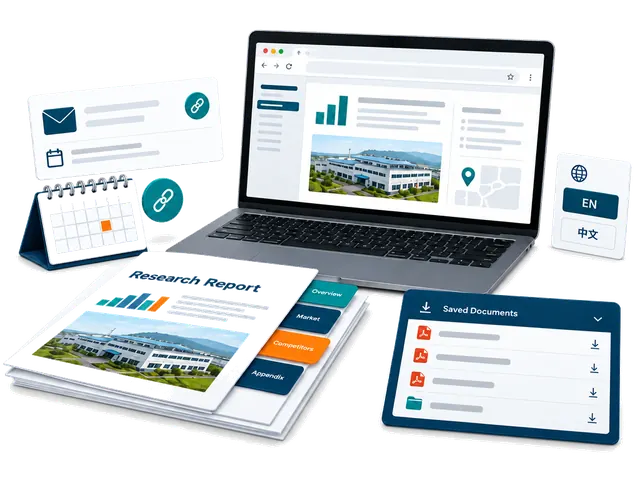
Reading and sharing reports
Where do I find reports and products discovered during research?
Open the supplier's Company Research or Risk & Compliance report from My Fair. Saved research runs can be selected from the report menu, and evidence-backed products can appear under the supplier and in Products with linked source context and categories. A public catalogue entry is not confirmation of current stock, price, MOQ or production capability. Verify the actual model and terms with the supplier.
Can I download a PDF, identify its research mode or use it with another AI tool?
Yes. Use Download AI-ready PDF for the buyer decision report. Its filename and footer show the Company Research mode so you can distinguish saved runs for the same supplier. The full buyer-fit verdict and buyer-relevant product and market findings appear early, before detailed supporting checks. A local PDF download does not use an email delivery. You can give the PDF to an AI tool you choose for questions or comparisons, but review its answers and consider that tool's privacy terms before uploading private information.
Can I translate reports into Chinese?
Company Research can be translated into Chinese on request when the feature is available to your account; if access is locked, follow the displayed unlock prompt. The saved English report and source evidence remain intact. Risk & Compliance reports remain in English. Code-generated report PDFs are English; for a ready Chinese Company Research view, use the browser's Print or Save as PDF option.
How do private report sharing and the full supplier action pack work?
Download permanent copies for your records, or use Email PDF to send a supplier-ready report; private buyer decision PDFs can only be emailed to your own account. In Follow-ups, the private full supplier action pack lists the action PDF, available saved Company Research PDFs and a ready Risk & Compliance PDF. Check the displayed file list: the number depends on which reports are available, and sending the pack does not run new research. Review recipients and the email allowance before confirming. Private pack links expire after seven days; share them only with intended recipients, who may retain downloaded copies. Device sharing depends on browser support and may fall back to a local download. Opening a sharing dialog does not automatically email a supplier.
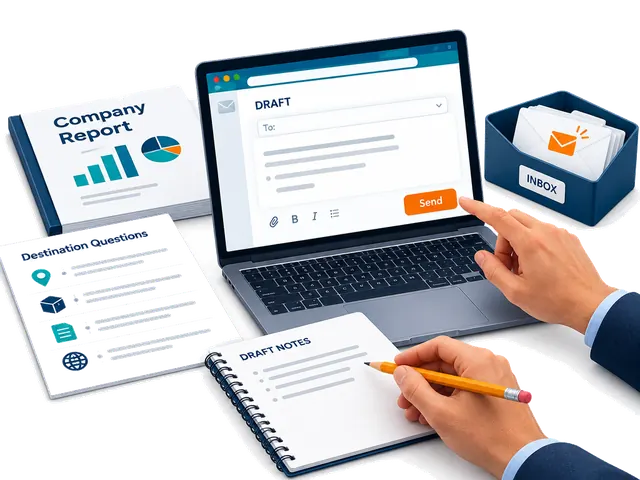
Supplier follow-ups and email
How are supplier follow-up messages prepared?
Open Follow-ups for the supplier. A First meeting draft uses ready Company Research; a Ready to proceed draft also requires ready Risk research. The draft uses the available report evidence and sourcing context to prepare useful questions and next steps. Review names, products, requirements, claims and recipient details, then edit the message before deciding to send. Set your buyer signature in Follow-ups so it can be reused.
Will ChinaConnect247 contact a supplier automatically?
No. Research and message preparation do not send an email by themselves. You choose the contact route, review the message, select and confirm email recipients, and deliberately send. You can instead copy the text to your own email, open WhatsApp or copy an available WeChat ID. Contact channels must be available from the card or research; an email address or profile is not proof of authority.
How many supplier emails are included, and are they separate from research credits?
The built-in email feature includes two deliveries. A redeemed report-credit package can add its own supplier-email allowance, separately from research credits. Each deliberate built-in supplier email uses a delivery from the available email balance; check the confirmation when sending to multiple recipients. You can continue copying messages and sending them through your own email, WhatsApp or WeChat after the built-in delivery allowance is used. Downloading a PDF locally does not use an email delivery.
Where do supplier replies go, and how can I tell whether a follow-up was sent?
Replies to built-in supplier follow-ups go to your signed-in email inbox, so use the account where you want replies delivered. My Fair retains available email-delivery activity and shows follow-up state such as sent or delivered. A sent or delivered status does not guarantee that a supplier read, understood or replied to the message. Check both the app's delivery record and your inbox, including spam folders, before deciding what to do next.
Saved records and privacy
What sourcing information can I keep with a supplier?
Keep real meetings, linked products, quotations, unit and landed-cost details, samples, product or booth photos, notes, tasks and follow-up activity with the supplier. Record important specifications, MOQ, customization, currency, shipping assumptions and dates so you can compare offers meaningfully. Saved quotes and samples are buyer records, not an automatic purchase order or payment commitment.
Can I compare suppliers and different saved research runs?
Yes. The comparison view lets you choose available completed Company Research runs, including saved historical runs, for a source-based comparison. The selected report names identify the research modes. Compare product fit, evidence gaps, factory or trading signals and commercial questions alongside your own quotations and samples. A ranking is decision support and does not guarantee the best supplier or future performance.
Can I archive a supplier without losing its history?
Yes. Archive a supplier you no longer need in the active list and restore it later. Successful scans and suppliers with saved activity are preserved through archive rather than treated as disposable captures; their research and sourcing history remain associated with the record. Failed captures without durable supplier activity can have separate removal options. Use the action shown for that record and review what it will affect.
Are my contacts and reports public, and what should I do if I need help?
Your signed-in My Fair workspace is private and records are scoped to your account. It does not automatically publish your contacts, buyer requirements, quotations or reports in the public supplier directory. You choose when to share, download or contact a supplier. For account or app help, contact inquiry@chinaconnect247.com with the supplier, destination, research mode, approximate time and the displayed error, while avoiding passwords, verification codes or unnecessary private documents. The Privacy notice explains data handling and available account-data controls.
01
服务范围
ChinaConnect247 直接提供哪些服务?
我们负责需求收集、供应商和产品研究、证据整理、供应商比较、报价与样品跟踪、成本整理、跟进协调和决策报告。独立服务商仍对其专业工作负责。
哪些服务由独立第三方执行?
工厂审核、验货、实验室测试、法律、认证、报关、货运、保险、仓储和平台服务等可能由明确的独立服务商执行。
可以为供应商准备询价单和产品规格吗?
可以作为文件管理服务,整理材料、尺寸、性能、品牌、起订量、包装、质量标准、贸易术语和交期,使报价更可比。
可以从1688、阿里巴巴和工厂寻找产品吗?
可以研究并比较相关供应商和产品,但列表或徽章不证明工厂身份或订单适配,可能还需要主体核验、样品、拜访或验货。
02
价格与合作
ChinaConnect247 的服务收费多少?
管理型供应商报告约100至500美元,付款前审查250至1,000美元,询价和样品规划300至1,500美元,验货通常400至1,500美元,大型项目可达50,000美元。
03
研究与证据
供应商研究报告能保证供应商安全吗?
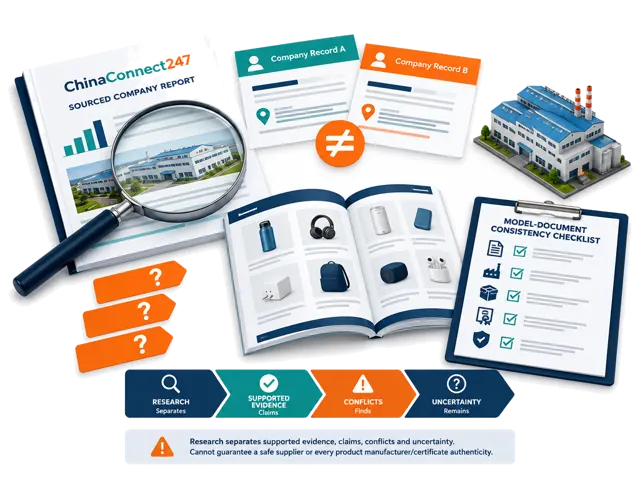
不能。报告整理公开证据并指出冲突与待核实问题,不能保证未来行为、质量、交付、偿付能力或付款安全。
能确认供应商是工厂还是贸易公司吗?
我们会调查法律主体、生产地点和多来源记录,报告证据支持的结论并标明不确定性。单独的网站、执照或展位不能证明全部制造能力。
能检查证书是否匹配供应商、型号和市场吗?
我们可以比较名称、型号、签发机构、日期、产品描述和目标市场。这是信息一致性检查,不是认证或监管批准。
证据不完整或互相冲突时怎么办?
我们会保留冲突而不是猜测,并区分供应商说法、公开证据、观察结果和未解决问题,必要时建议补充核验。
能找到产品背后的原始制造商吗?
我们可以搜索图片、型号、平台、地址、工厂资料和生产证据,找出可能的制造商,但不能保证只有一个原始制造商。
04
订单与质量
样品成功是否意味着大货安全?
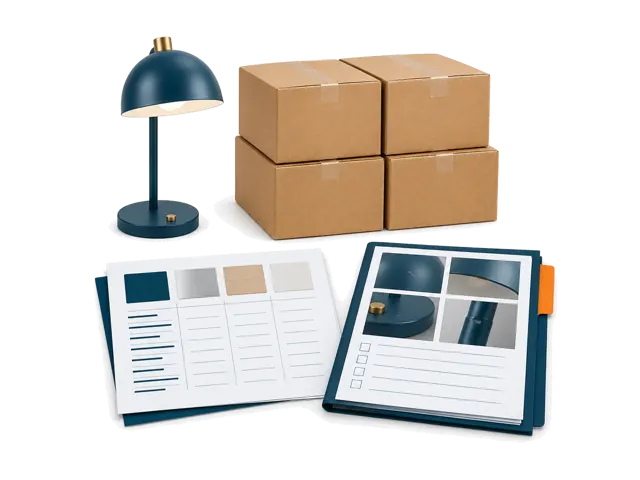
不是。一个合格样品不能证明大货材料、工艺、包装或生产控制一致,需要书面规格、变更限制和适当验货。
扩大订单前应如何控制第一单?
把第一单当作受控试单,书面定义产品、样品、数量、包装、缺陷标准、交期、证据和验收点,复核实际表现后再扩大。
05
管理服务
可以安排工厂拜访和验货吗?
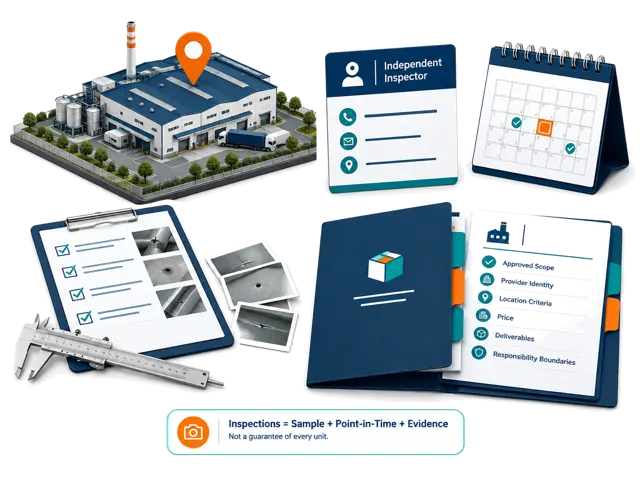
可以协助明确目的、收集资料并协调合适的拜访或验货服务商。地点、时间、价格、标准和责任需单独确认。
出货前验货应包括什么?
范围可包括数量、规格、外观、功能、材料、标签、包装、配件、箱标、缺陷以及与样品和采购规格的比较。
可以协调定制包装、仓储、履约和发往美国或加拿大的运输吗?
可以协调合适的独立物流或履约服务商,范围取决于产品、数量、目的地和资格,不保证清关、仓库接收或交付日期。
06
付款与物流
你们处理付款或保护定金吗?
不处理。我们可以比较签约公司、发票主体和收款方并标记变化,但买家必须独立核实银行信息并选择付款方式。
你们是进口商、货代、报关行或仓库吗?
不是。我们可以整理要求并协调独立服务商,相关受监管和运营责任仍由被委托的服务商承担。
阿里巴巴认证供应商或贸易保障能保证订单吗?
不能。平台措施只能降低部分风险,保护范围取决于订单资格、条款、证据、期限和平台付款流程。
付款前可以检查供应商哪些内容?
可根据范围比较法律名称、登记、地址、经营范围、平台身份、发票、收款方、产品能力、证书和联系方式,并标记不一致。
DDP 报价需要检查什么?
确认目的地、贸易术语版本、运输方式、关税、进口税、清关、进口商责任、限制、文件、保险、目的地费用和排除项。
07
平台服务
你们创建平台列表或管理亚马逊账户和广告吗?
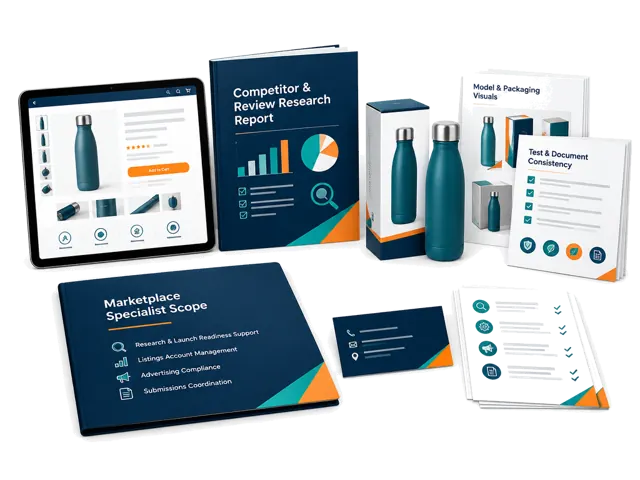
这些不是标准平台功能。我们可以支持产品和上市准备研究,账户、广告、合规和申诉可在单独范围内协调专家。
能帮助统一亚马逊等平台的自有品牌合规文件吗?
可以比较品牌、型号、制造商、测试报告、证书、包装、标签、说明书和列表信息并指出不匹配,但不保证认证或平台批准。
08
专业决策
你们提供法律、法规、专利、商标或认证建议吗?
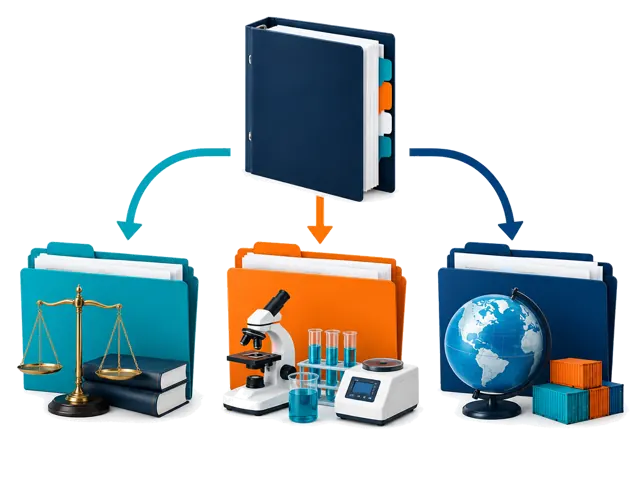
不提供最终专业意见。我们可以整理文件和问题并协调合格专家,最终结论必须由相关专业人士给出。
09
服务商与商业条款
如何选择和支付第三方服务商?
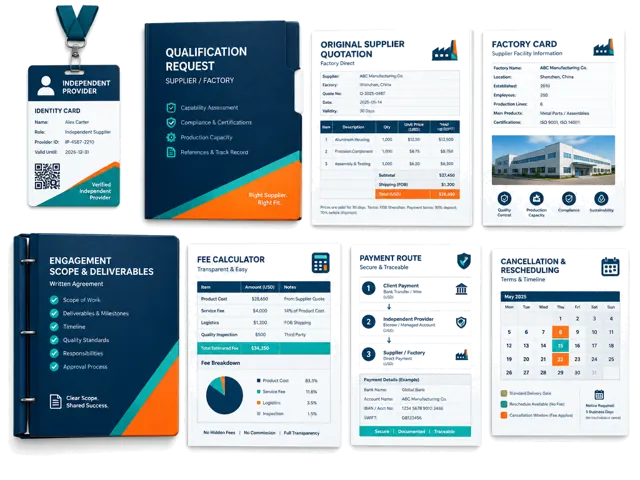
根据范围、地点、产品经验、资质、证据标准、可用性和商业匹配进行考虑。付款路线、费用和责任在批准前书面确认。
ChinaConnect247 会收供应商佣金吗?
不会为独立研究排名接受未披露的供应商付款。相关的服务商或推荐关系会向买家披露。
买家能拿到工厂身份和原始报价吗?
在资料已提供且可合法分享时,我们保留原始身份和报价,并说明无法确认的工厂或来自中间商的报价。
谁选择并支付验货员?
我们可以按地点、产品、范围、资质、证据要求、可用性和价格提出人选。身份、范围、价格和付款方式需经买家批准。
付款前如何核验 ChinaConnect247 和独立服务商?
索取签约主体、书面范围、联系人、交付物、价格、收款方、责任边界和取消条款;服务商还应提供适用的资质、保险或样例。
服务商迟到、验货有争议或取消时怎么办?
以书面报价或服务商协议为准。ChinaConnect247负责沟通和跟进,但不会自动承担独立服务商的法律或专业责任。
10
开始与时间
开始研究需要哪些信息?
请提供供应商、网站、产品、报价、型号、展位资料和已有消息,并说明目标市场、数量、客户和品牌要求。
研究、拜访、样品和验货需要多久?
没有统一时间。时间取决于公司、证据、地点、定制、订单准备情况和服务商安排;我们会在审核请求后给出估计。
11
责任与风险
ChinaConnect247 保证质量、交付、合规或平台销售吗?
不保证。研究、协调和验货只能降低不确定性,不能保证供应商表现、清关、平台批准、利润或销售。
12
隐私与记录
买家、供应商和商业记录如何保护?
私人 My Fair 记录需要认证并只向所属用户显示。证据会被保留以便追溯,向服务商分享时限制为完成任务所需的信息。
仍在考虑?
把您面对的供应商、产品和决定告诉我们。
在付费工作开始前,我们会说明 ChinaConnect247 能处理什么、何时需要独立服务商,以及哪些决定仍由您负责。
ChinaConnect247 由 StructuredLayer 运营。
您可以直接联系运营方,咨询广交会信息、My Fair、供应商研究、采购协调、隐私或账户支持。
这些回答说明一般服务边界,不能替代项目书面范围、服务商协议、法律意见、法规审查、实验室结论、保险条款或购买决定。