
Объём, доказательства и ответственность
Частые вопросы ChinaConnect247
Единая точка координации согласованного процесса закупки с понятными ответами о наших услугах, привлечении независимых специалистов, возможностях исследования и решениях, которые остаются за покупателем.
My Fair app questions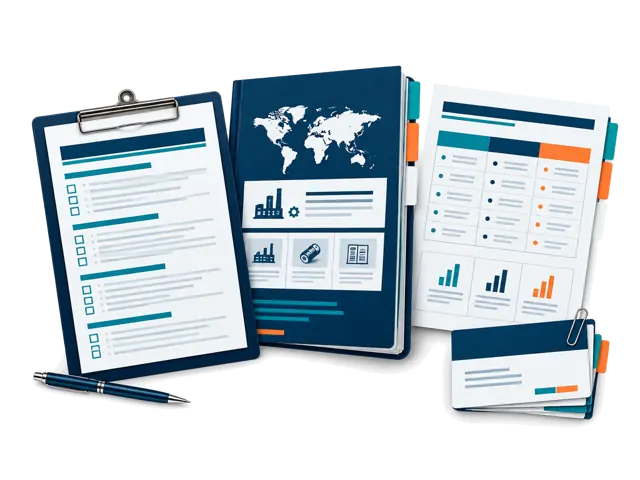
Предоставляется напрямую
Исследование, организация, записи, сравнения и координация.
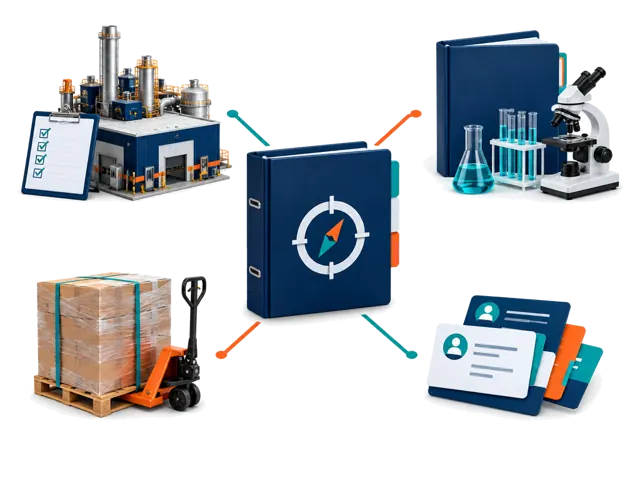
Управляется с поставщиками
Физические и операционные работы в рамках доступности и согласованного объёма.
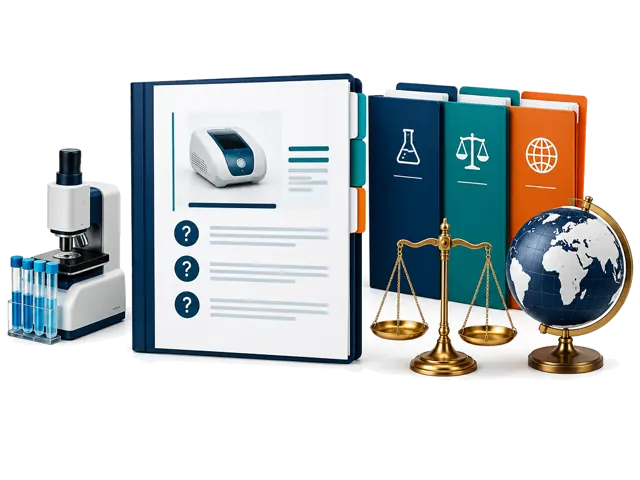
Профессиональные решения
Юридические, нормативные, лабораторные, таможенные и другие экспертные выводы.
Управляемые отчёты о поставщиках начинаются от 100 $. Координация визита на фабрику — от 300 $.
Крупные согласованные программы могут стоить до 50 000 $. Объём, работа поставщиков, исключения, этапы оплаты и границы ответственности подтверждаются письменно.
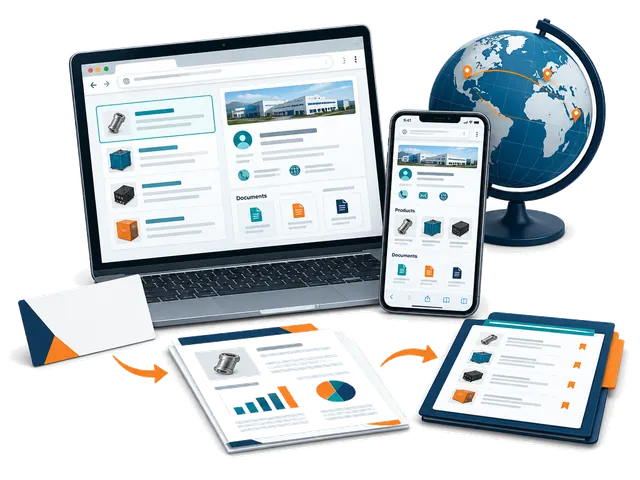
Self-service sourcing workspace
My Fair app: how it works
Use ChinaConnect247 in your browser on mobile or desktop. Start with a card or company name, research with your selling destination in mind, and keep the evidence and next steps together. No app installation or managed-service booking is needed.
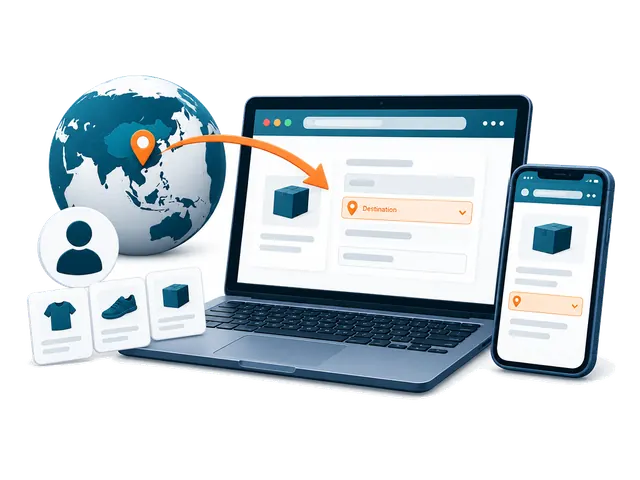
Getting started
What is My Fair, and who is it for?
My Fair is your private ChinaConnect247 workspace for supplier sourcing. Buyers can turn a business card or company name into a saved contact, public-source company research, a separate risk review, linked products and a sourcing decision trail. Suppliers can research their own company, see what international buyers can find, and prepare evidence and quotations for different destination markets. You remain responsible for checking important claims and deciding whether to proceed.
Do I need to download an app or attend Canton Fair?
No app download is required. Open ChinaConnect247 in a browser on your phone, tablet or desktop and choose Open My Fair. You can use it at Canton Fair, at other exhibitions, from your office or after returning home. A camera is useful for cards and photos, but a desktop user can upload an existing card image or add a company name manually.
Do I need an account, and which email should I use?
Yes. Sign in using an option offered on the login page so your private workspace can be associated with your account. Use the account email where you want supplier replies to arrive: built-in supplier follow-ups use your signed-in inbox as the reply destination. Use the same account on another device to access records that have finished syncing.
What information do I need before my first research?
Complete the first-time buyer setup with the country where the product will be sold or used, your buyer type, and the products or sourcing requirement you are considering. Add a state or region where useful. Optional sourcing model, order size, budget, customization, lead-time and quality priorities make the research more relevant. These answers guide the investigation; they are not automatically sent to suppliers. A supplier name or readable business card gives the research its starting company.
Why does the selling destination matter, and can I change it?
Product standards, labels, plugs, packaging and import questions depend on where you will sell or use the goods. Choose one concrete destination in My Fair and use the destination controls to change it or add another market. The current fair setup uses China as the sourcing base; that is different from the selling destination. Reports and market-specific activity remain associated with their saved destination, so research for one market should not be treated as clearance for another.
Do I have to buy a managed sourcing service to use My Fair?
No. My Fair is a self-service browser workspace with included research allowances. You can scan cards, add contacts, use available research and organize sourcing records yourself. Managed supplier reports, visits, inspections, documentation and other coordination services are separate engagements with an agreed scope and quotation. Buying a managed service is not a requirement for starting the app.
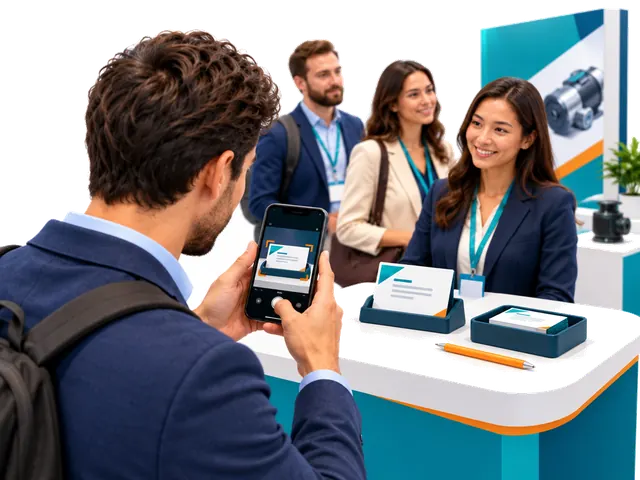
Cards and supplier contacts
How do I scan a supplier business card?
Choose the card-scanning control, take one clear photo of the side containing the company and contact information, or upload an existing image. Keep the card readable, in focus and free from glare. Allow camera access if your browser asks, or upload an existing photo instead. You do not need a second-side photo for the normal capture flow. My Fair saves the source image and extracts a supplier contact; review the result, then add any booth, meeting or product note you want to preserve.
Can I start without a card or without knowing a supplier yet?
Yes. Use Type company name manually to add a supplier. If you do not have a company in mind, explore the Exhibition Supplier Directory, find a relevant listing, copy its name and add it to My Fair. The directory is a discovery starting point, not proof of current participation, factory ownership or supplier quality. Company Research performs a public-source investigation rather than simply returning the directory listing.
Can I correct a scanned name or add missing information?
Yes. Review the extracted contact and edit the saved supplier or contact details when needed, including correcting the displayed name. Keep the original card and source evidence for comparison. A name correction does not independently establish the legal entity, factory ownership or a person's authority to quote, contract or receive payment.
What happens if the fair's internet connection is unstable?
Supported card capture and fair-floor items can be saved in the current browser on your device and queued for synchronization. Reconnect and keep My Fair available to let the pending items upload; check the saved-on-device and sync status before assuming they reached your account. Research and sending email require a connection. Unsynced items are not yet available on another device, so do not clear the browser's site data or abandon the device before checking that they synced.
Does scanning a card automatically record a meeting?
No. A card creates a supplier contact; it does not prove that a meeting occurred. Record real meetings yourself and add the booth, date, discussion, products, photos and next steps you want to remember. Use the bilingual conversation prompts to ask useful questions or show them to a supplier during a meeting. Products found in a report may be saved to the supplier without creating an invented meeting.
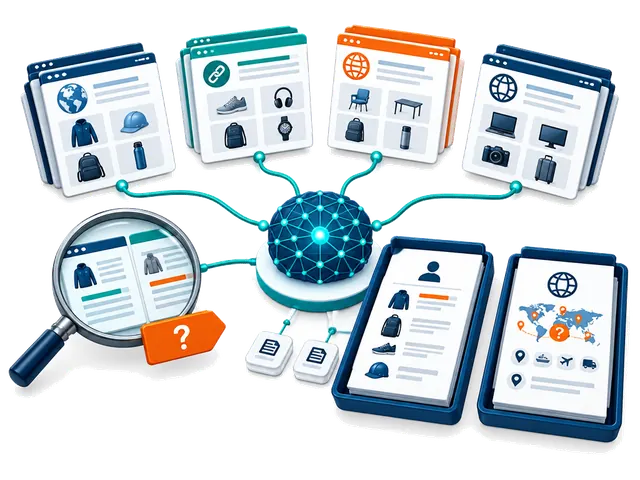
Research, modes and credits
What is the difference between Company Research and Supplier Risk & Compliance?
Company Research builds a source-linked profile covering identity and aliases, public websites and contacts, products, specifications, markets, manufacturing or trading signals, certification claims and unanswered questions. Supplier Risk & Compliance uses available research and the buyer's destination context for a separate decision brief covering supported and unverified findings, inconsistencies, product-specific compliance questions, contact and transaction risks, missing documents and next checks. Neither report approves a supplier, validates certificates, conducts a factory audit or provides legal clearance.
What do the four Company Research modes do?
Core Supplier Review is a broad first-pass review of identity, public contacts, products, markets and supporting sources. Fast is a shorter, lighter overview for orientation and may miss products, conflicts or sources. Extended Public-Source Review compares a broader set of public sources for corroboration, inconsistencies and unresolved questions. Product & Market Opportunity Scan emphasizes product lines, technical details, possible buyer and destination-market fit, and commercial questions. Coverage depends on available evidence; no mode guarantees verification, completeness, regulatory acceptance or confirmed opportunities. The Company Research mode setting does not select a different Risk & Compliance mode.
How does automatic research work, and can I turn it off?
Completing first-time setup enables automatic Company Research for new suppliers, with Core Supplier Review as the initial Company Research mode. Risk research starts switched off; you can enable it in the research controls. When Company automation is on and report allowance or credits are available, contact processing starts Company Research. If Risk automation is also enabled, the separate Risk review follows when Company Research is ready. Change the mode or turn automation off in the research controls. Scanning a card does not itself send a supplier message.
What is included for free, and when do report credits get used?
Each account includes five lifetime Company Research reports and five lifetime Risk & Compliance reports; these do not reset every month or at each fair. Card scans and manual supplier contact entries are unlimited. A new Company Research run uses one Company allowance or report credit, and a separate Risk report uses one Risk allowance or report credit. A Company-plus-Risk pair therefore uses two reports. Once included reports are used, available purchased or redeemed report credits can fund further runs. Purchased report credits do not expire; time-limited access has its own period and fair-use limit.
Can I keep working when my free reports or credits run out?
Yes. You can keep scanning cards, adding contacts, organizing your saved records, reviewing available reports and preparing your next steps. New chargeable research requires available report allowance, credits or eligible access. Purchased packages can also include a separate supplier-email allowance; report credits and email deliveries are different balances. Check Your account and the research allowance shown in My Fair before starting another run.
Will the app run and charge the same report again?
Completed Company Research is reused for the same supplier, destination, research mode and unchanged buyer profile rather than starting an identical new run. An active matching research job is also reused. Choosing a different mode or changing relevant buyer context can require new Company Research and another allowance or credit. Risk & Compliance retains and reuses a report for its supplier and selling destination; a different destination is a separate context.
Can I leave the page while research runs, and what should I do if it fails?
Research runs in the background after it has entered the processing queue. You can keep scanning, investigate another supplier or leave the report page, then return to check its status. Timing varies by mode, source availability, queue and connection; a fixed completion time is not promised. Do not repeatedly start an active job. A failed run releases its research allowance or credit; review the displayed error and use the available retry control when appropriate. Previously saved completed reports are retained.
Does the evidence score prove that a supplier, contact or certificate is verified?
No. The evidence score describes public-source support for that research run, not supplier quality, product safety, payment protection or approval. A matching company domain or official contact listing may support affiliation while leaving job title, quoting authority, contracting authority or payment authority unresolved. Factory images, marketplace badges, supplier statements and certification logos require further checks. Confirm critical details independently before committing or paying.
Why might a report contain missing, conflicting or unverified findings?
Public sources can be incomplete, outdated, inaccessible, promotional or about a similarly named company. The report should distinguish supported evidence, company or marketplace claims, analysis and gaps. Source-linked findings are a starting point for requesting the exact model, current documents, legal entity and commercial terms. An opportunity assessment is not confirmed demand, sales or regulatory acceptance. Inspect sources and do not treat a longer report as a guarantee of accuracy.
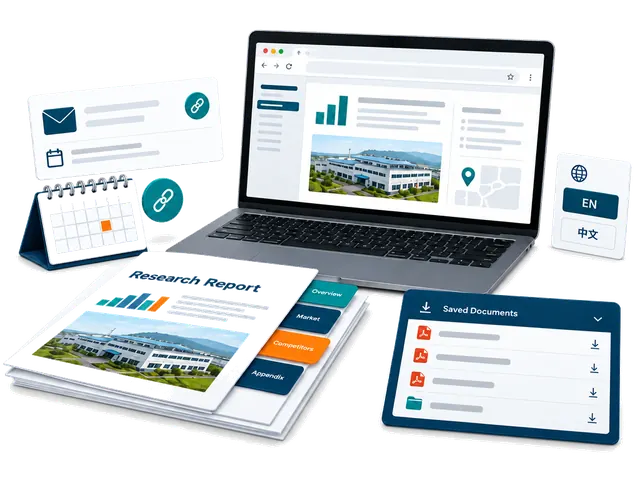
Reading and sharing reports
Where do I find reports and products discovered during research?
Open the supplier's Company Research or Risk & Compliance report from My Fair. Saved research runs can be selected from the report menu, and evidence-backed products can appear under the supplier and in Products with linked source context and categories. A public catalogue entry is not confirmation of current stock, price, MOQ or production capability. Verify the actual model and terms with the supplier.
Can I download a PDF, identify its research mode or use it with another AI tool?
Yes. Use Download AI-ready PDF for the buyer decision report. Its filename and footer show the Company Research mode so you can distinguish saved runs for the same supplier. The full buyer-fit verdict and buyer-relevant product and market findings appear early, before detailed supporting checks. A local PDF download does not use an email delivery. You can give the PDF to an AI tool you choose for questions or comparisons, but review its answers and consider that tool's privacy terms before uploading private information.
Can I translate reports into Chinese?
Company Research can be translated into Chinese on request when the feature is available to your account; if access is locked, follow the displayed unlock prompt. The saved English report and source evidence remain intact. Risk & Compliance reports remain in English. Code-generated report PDFs are English; for a ready Chinese Company Research view, use the browser's Print or Save as PDF option.
How do private report sharing and the full supplier action pack work?
Download permanent copies for your records, or use Email PDF to send a supplier-ready report; private buyer decision PDFs can only be emailed to your own account. In Follow-ups, the private full supplier action pack lists the action PDF, available saved Company Research PDFs and a ready Risk & Compliance PDF. Check the displayed file list: the number depends on which reports are available, and sending the pack does not run new research. Review recipients and the email allowance before confirming. Private pack links expire after seven days; share them only with intended recipients, who may retain downloaded copies. Device sharing depends on browser support and may fall back to a local download. Opening a sharing dialog does not automatically email a supplier.
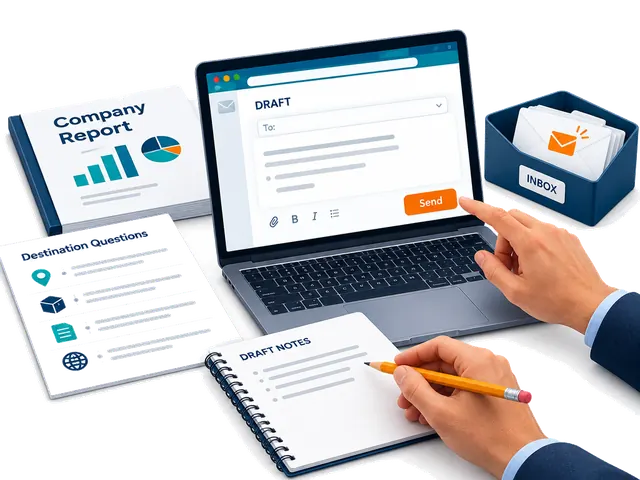
Supplier follow-ups and email
How are supplier follow-up messages prepared?
Open Follow-ups for the supplier. A First meeting draft uses ready Company Research; a Ready to proceed draft also requires ready Risk research. The draft uses the available report evidence and sourcing context to prepare useful questions and next steps. Review names, products, requirements, claims and recipient details, then edit the message before deciding to send. Set your buyer signature in Follow-ups so it can be reused.
Will ChinaConnect247 contact a supplier automatically?
No. Research and message preparation do not send an email by themselves. You choose the contact route, review the message, select and confirm email recipients, and deliberately send. You can instead copy the text to your own email, open WhatsApp or copy an available WeChat ID. Contact channels must be available from the card or research; an email address or profile is not proof of authority.
How many supplier emails are included, and are they separate from research credits?
The built-in email feature includes two deliveries. A redeemed report-credit package can add its own supplier-email allowance, separately from research credits. Each deliberate built-in supplier email uses a delivery from the available email balance; check the confirmation when sending to multiple recipients. You can continue copying messages and sending them through your own email, WhatsApp or WeChat after the built-in delivery allowance is used. Downloading a PDF locally does not use an email delivery.
Where do supplier replies go, and how can I tell whether a follow-up was sent?
Replies to built-in supplier follow-ups go to your signed-in email inbox, so use the account where you want replies delivered. My Fair retains available email-delivery activity and shows follow-up state such as sent or delivered. A sent or delivered status does not guarantee that a supplier read, understood or replied to the message. Check both the app's delivery record and your inbox, including spam folders, before deciding what to do next.
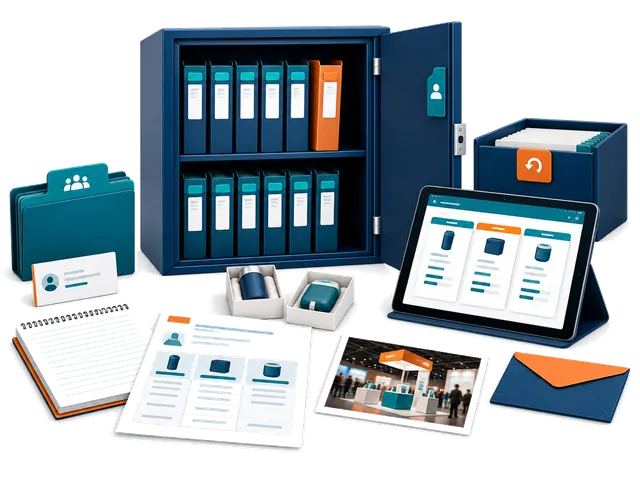
Saved records and privacy
What sourcing information can I keep with a supplier?
Keep real meetings, linked products, quotations, unit and landed-cost details, samples, product or booth photos, notes, tasks and follow-up activity with the supplier. Record important specifications, MOQ, customization, currency, shipping assumptions and dates so you can compare offers meaningfully. Saved quotes and samples are buyer records, not an automatic purchase order or payment commitment.
Can I compare suppliers and different saved research runs?
Yes. The comparison view lets you choose available completed Company Research runs, including saved historical runs, for a source-based comparison. The selected report names identify the research modes. Compare product fit, evidence gaps, factory or trading signals and commercial questions alongside your own quotations and samples. A ranking is decision support and does not guarantee the best supplier or future performance.
Can I archive a supplier without losing its history?
Yes. Archive a supplier you no longer need in the active list and restore it later. Successful scans and suppliers with saved activity are preserved through archive rather than treated as disposable captures; their research and sourcing history remain associated with the record. Failed captures without durable supplier activity can have separate removal options. Use the action shown for that record and review what it will affect.
Are my contacts and reports public, and what should I do if I need help?
Your signed-in My Fair workspace is private and records are scoped to your account. It does not automatically publish your contacts, buyer requirements, quotations or reports in the public supplier directory. You choose when to share, download or contact a supplier. For account or app help, contact inquiry@chinaconnect247.com with the supplier, destination, research mode, approximate time and the displayed error, while avoiding passwords, verification codes or unnecessary private documents. The Privacy notice explains data handling and available account-data controls.
01
Объём услуг
Что ChinaConnect247 предоставляет напрямую?
Мы собираем требования, исследуем, организуем доказательства, сравниваем поставщиков, отслеживаем предложения и образцы, координируем работу и готовим отчёты. Каждый поставщик отвечает за свою услугу.
Какие услуги выполняют независимые третьи лица?
Аудиты фабрик, инспекции, тестирование, право, сертификация, таможня, перевозки, страхование, хранение и маркетплейсы могут выполнять указанные независимые поставщики.
Можете подготовить RFQ и спецификацию продукта?
Да. Мы структурируем материалы, размеры, характеристики, бренд, MOQ, упаковку, качество, Incoterms и сроки для сравнения предложений.
Можете искать товары на 1688, Alibaba и у фабрик?
Да, но объявление или значок не доказывают статус фабрики или пригодность; могут потребоваться проверки, образцы, визит или инспекция.
02
Цены и сотрудничество
Сколько стоят услуги ChinaConnect247?
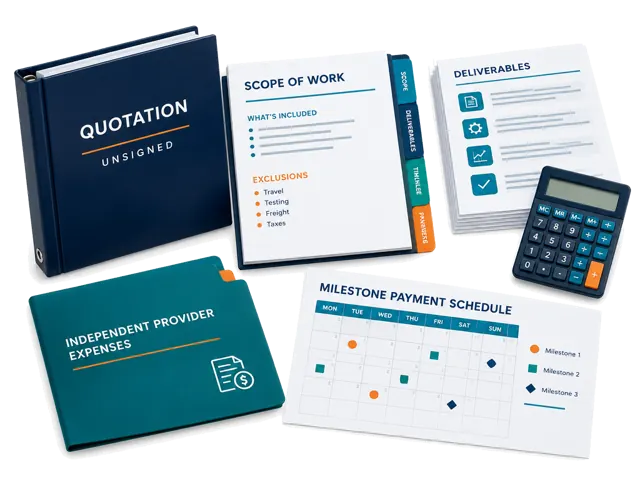
Управляемый отчёт стоит примерно 100-500 $, проверка до оплаты 250-1 000 $, инспекция 400-1 500 $; крупные программы могут достигать 50 000 $.
03
Исследование и доказательства
Гарантирует ли отчёт безопасность поставщика?
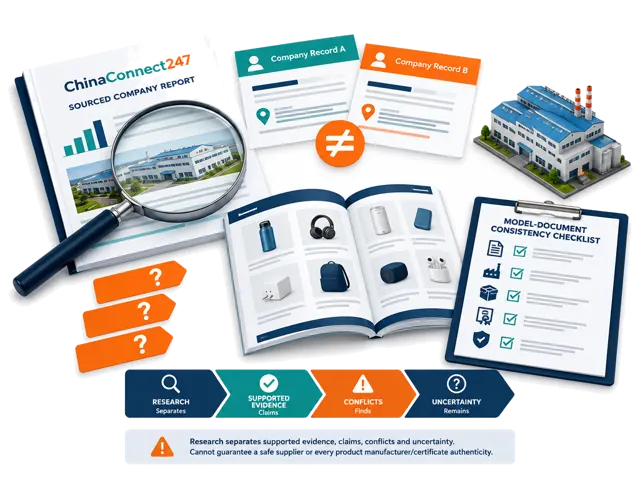
Нет. Он систематизирует открытые доказательства и указывает конфликты и проверки, но не гарантирует поведение, качество, поставку, платёжеспособность или безопасность оплаты.
Можете подтвердить, что поставщик — фабрика, а не торговая компания?
Мы сравниваем юридическое лицо, место производства и доступные источники и указываем вывод с неопределённостью. Одного сайта или лицензии недостаточно.
Можете проверить соответствие сертификата поставщику, модели и рынку?
Мы сравниваем названия, модели, орган выдачи, даты, описание и рынок назначения. Это проверка согласованности, а не подтверждение или одобрение.
Что происходит при неполных или противоречивых доказательствах?
Мы сохраняем противоречие и разделяем заявления, открытые источники, наблюдения и открытые вопросы; при необходимости рекомендуем дополнительную проверку.
Можете найти исходного производителя продукта?
Мы ищем изображения, модели, платформы, адреса, материалы фабрики и производственные доказательства, но не гарантируем единственного производителя.
04
Заказы и качество
Делает ли успешный образец крупный заказ безопасным?
Нет. Нужны письменные спецификации, контроль изменений, доказательства производства, критерии инспекции и этапы оплаты.
Как контролировать первый заказ до масштабирования?
Рассматривайте его как пилот и письменно определите продукт, образец, количество, упаковку, дефекты, сроки, доказательства и точки приёмки.
05
Управляемые услуги
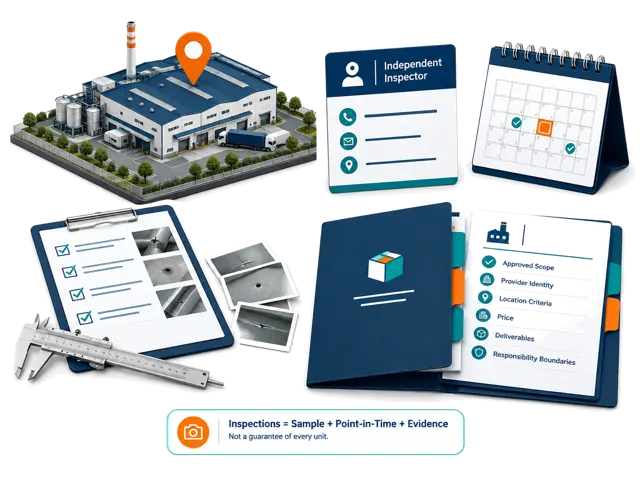
Можете организовать визиты на фабрику и инспекции?
Мы поможем определить цель, собрать данные и скоординировать доступного поставщика. Место, дату, цену, критерии и ответственность утверждают отдельно.
Что должна охватывать инспекция перед отгрузкой?
Она может включать количество, характеристики, внешний вид, функцию, материалы, этикетки, упаковку, аксессуары, коробки, дефекты и сравнение с образцом.
Можете координировать упаковку, склад, fulfilment и отправку в США или Канаду?
Мы координируем независимых поставщиков с учётом продукта, объёма, происхождения и назначения, но не гарантируем таможню, приёмку или дату доставки.
06
Платежи и логистика
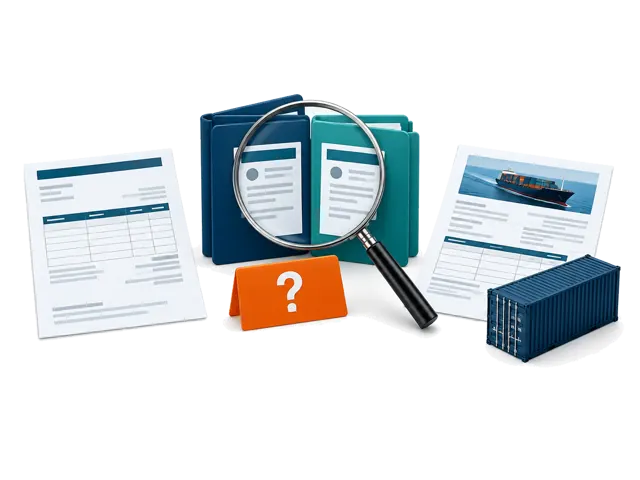
Вы обрабатываете платежи или защищаете депозиты?
Нет. Мы можем сравнить договорную компанию, выставителя счёта и получателя, но покупатель сам подтверждает банковские данные и выбирает способ оплаты.
Вы являетесь импортёром, экспедитором, таможенным брокером или складом?
Нет. Мы организуем требования и координируем независимых поставщиков, которые сохраняют операционную и регулируемую ответственность.
Гарантируют ли значок Alibaba или Trade Assurance заказ?
Нет. Они снижают отдельные риски, а защита зависит от права на неё, условий, доказательств, сроков и оплаты через платформу.
Какие проверки поставщика возможны до оплаты?
В зависимости от объёма мы сравним юридическое имя, регистрацию, адрес, деятельность, личность на платформе, счёт, получателя, возможности, сертификаты и контакты.
Что проверять в предложении DDP?
Место назначения, версию Incoterm, перевозку, пошлины, налоги, таможню, импортёра, ограничения, документы, страховку, сборы и исключения.
07
Услуги маркетплейсов
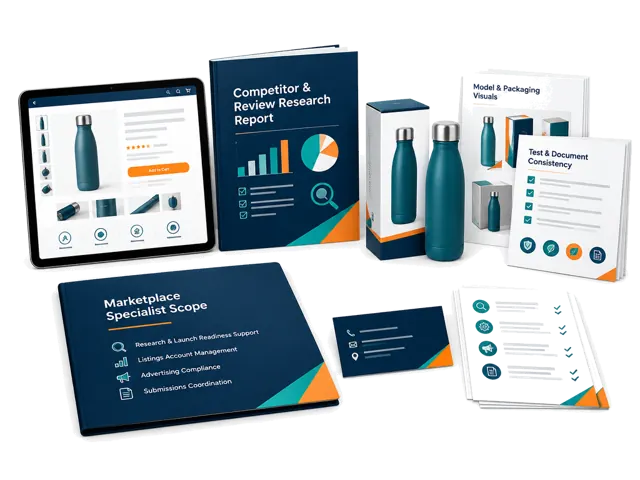
Вы создаёте объявления или управляете аккаунтами и рекламой Amazon?
Это не стандартные функции. Мы поддерживаем исследование продукта и запуска, а аккаунт, рекламу и соответствие координируем отдельно.
Можете согласовать документы соответствия для private label?
Мы сравниваем бренд, модель, производителя, тесты, сертификаты, упаковку, этикетку, инструкцию и объявление и отмечаем расхождения, без гарантии одобрения.
08
Специализированные решения
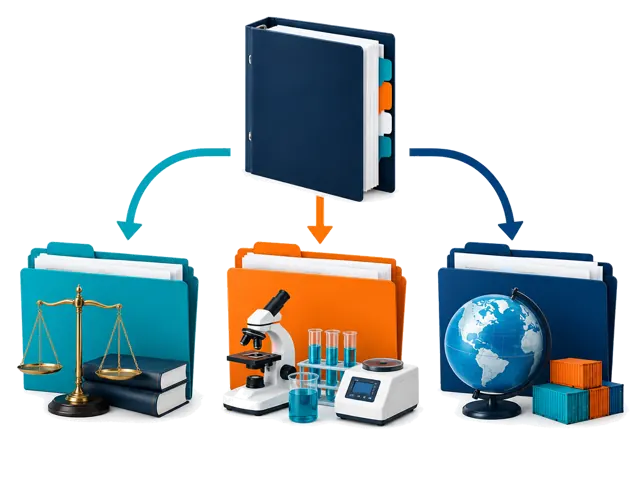
Вы предоставляете юридические, регуляторные, патентные или сертификационные консультации?
Нет, не предоставляем итоговое экспертное заключение. Мы организуем документы и вопросы и координируем квалифицированных специалистов.
09
Поставщики и коммерческие условия
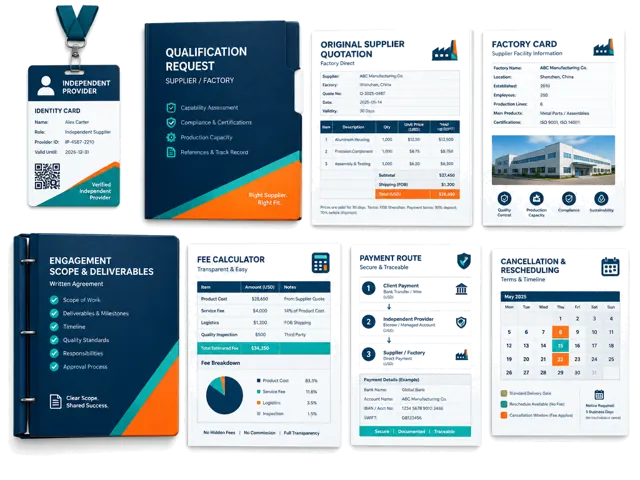
Как выбираются и оплачиваются сторонние поставщики?
Учитываются объём, место, опыт, квалификация, требования к доказательствам, доступность и коммерческое соответствие. Стоимость и ответственность подтверждаются до согласия.
Получает ли ChinaConnect247 комиссии от поставщиков?
Мы не принимаем нераскрытые платежи за независимое ранжирование или рекомендацию. Существенные коммерческие отношения раскрываются покупателю.
Получит ли покупатель данные фабрики и оригинальные предложения?
Если информация доступна и может быть передана законно, мы сохраняем исходные данные и указываем то, что не удалось подтвердить.
Кто выбирает и оплачивает инспектора?
Мы можем предложить инспектора по месту, продукту, объёму, квалификации, доказательствам, доступности и цене. Покупатель утверждает до бронирования.
Как проверить ChinaConnect247 и независимого поставщика до оплаты?
Запросите сторону договора, письменный объём, контакт, результаты, цену, получателя, ответственность и отмену, а также соответствующие документы.
Что если поставщик задержался, инспекция оспаривается или услуга отменена?
Письменное предложение или договор регулирует сроки, перенос, доработку, возвраты и ответственность. Мы координируем, но автоматически не принимаем ответственность поставщика.
10
Начало и сроки
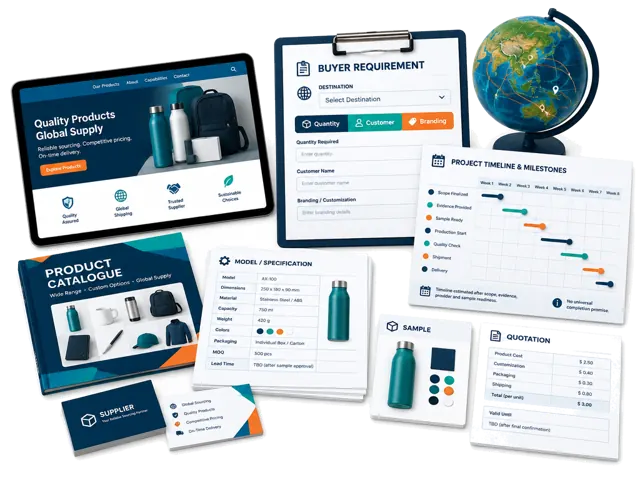
Какие сведения нужны для начала исследования?
Пришлите поставщика, сайт, продукт, предложение, модель, данные выставки и сообщения, а также рынок, количество и требования к бренду.
Сколько занимают исследование, визиты, образцы и инспекции?
Универсального срока нет. Он зависит от доказательств, места, кастомизации, готовности заказа и доступности поставщика.
11
Ответственность и риски
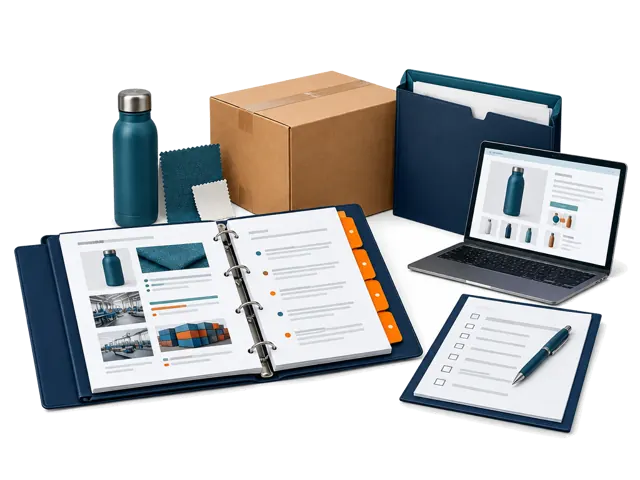
Гарантируете качество, доставку, соответствие или продажи на маркетплейсе?
Нет. Исследование и координация снижают неопределённость, но не гарантируют работу поставщика, таможню, одобрение, маржу или продажи.
12
Конфиденциальность и записи
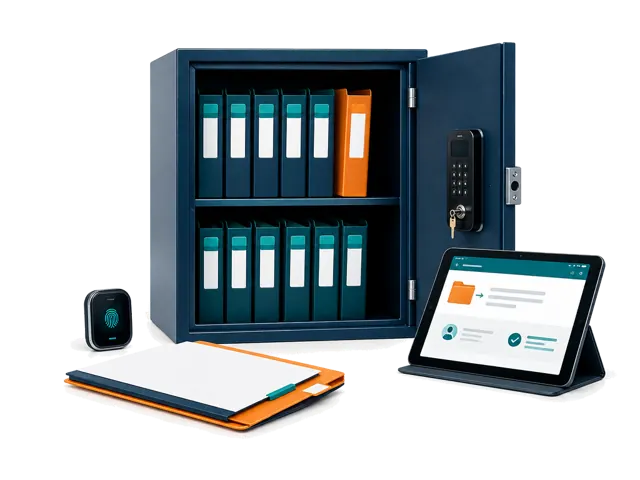
Как защищаются записи покупателей, поставщиков и бизнеса?
Частные записи My Fair требуют аутентификации и доступны владельцу. Доказательства сохраняются для отслеживания и передаются только в необходимом объёме.
Ещё принимаете решение?
Расскажите нам о поставщике, продукте и решении, которое вам предстоит принять.
До начала платной работы мы объясним, что может взять на себя ChinaConnect247, где нужен независимый поставщик услуг и что остаётся вашим решением.
ChinaConnect247 управляется StructuredLayer.
Свяжитесь с оператором напрямую по вопросам Canton Fair, My Fair, исследования поставщиков, координации закупок, конфиденциальности или поддержки аккаунта.
Эти ответы описывают общие границы услуг и не заменяют письменный объём проекта, соглашение с поставщиком, юридическую консультацию, нормативную проверку, заключение лаборатории, страховой полис или решение о покупке.