

범위, 증거, 책임
ChinaConnect247 자주 묻는 질문
합의된 소싱 업무를 위한 하나의 조정 창구입니다. 제공 서비스, 독립 전문가가 참여하는 경우, 조사로 확인할 수 있는 내용, 구매자에게 남는 결정을 설명합니다.
My Fair app questions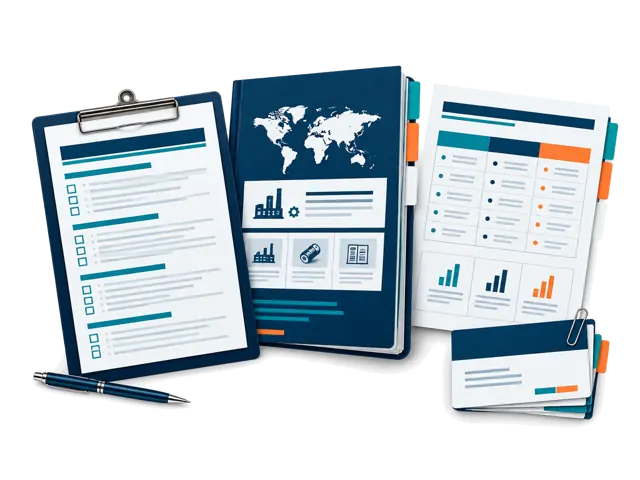
직접 제공
조사, 정리, 기록, 비교 및 조정.
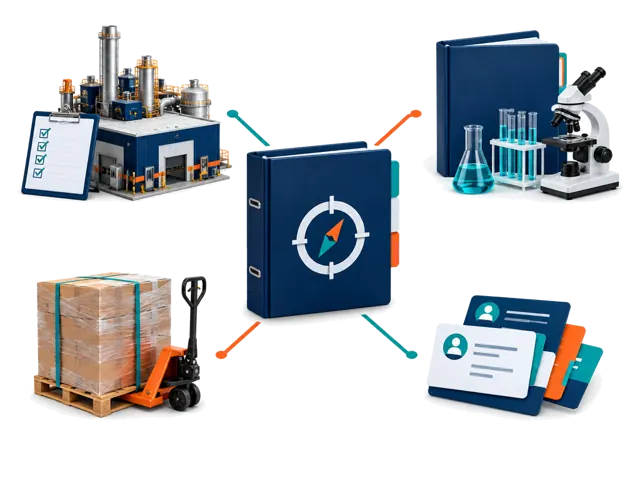
제공업체와 관리
범위와 이용 가능 여부에 따른 현장 및 운영 업무.
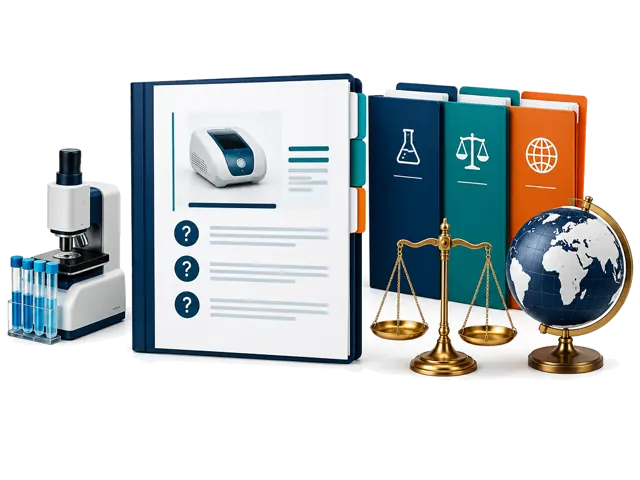
전문가 판단
법률, 규제, 시험기관, 통관 및 기타 전문가의 결론.
관리형 공급업체 보고서는 100달러부터 시작합니다. 공장 방문 조정은 300달러부터입니다.
더 큰 승인 프로그램은 최대 50,000달러까지 가능합니다. 범위, 제공업체 업무, 제외 사항, 지급 단계와 책임 한계를 서면으로 확인합니다.
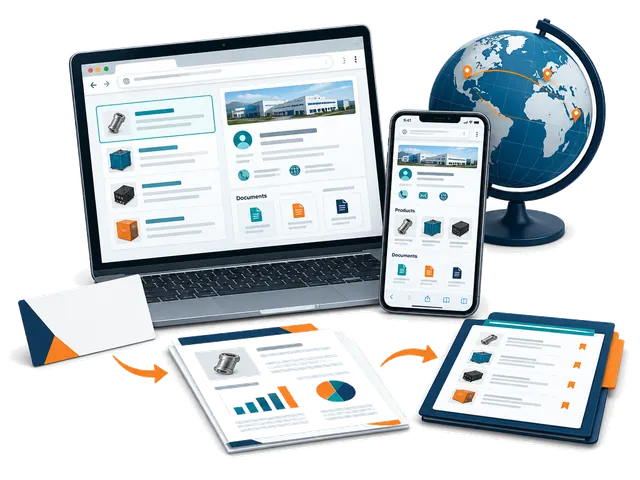
Self-service sourcing workspace
My Fair app: how it works
Use ChinaConnect247 in your browser on mobile or desktop. Start with a card or company name, research with your selling destination in mind, and keep the evidence and next steps together. No app installation or managed-service booking is needed.
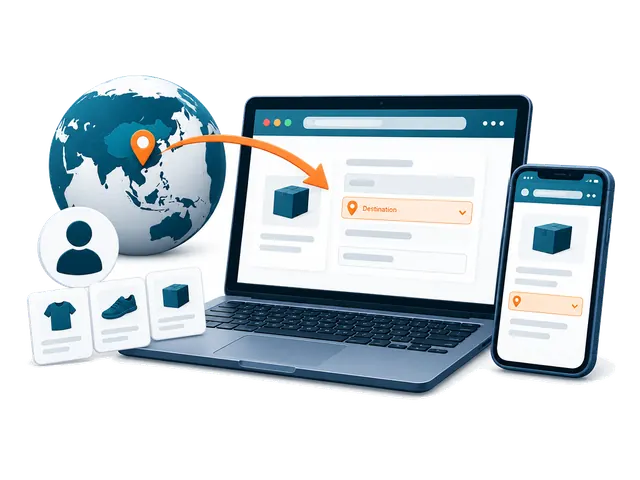
Getting started
What is My Fair, and who is it for?
My Fair is your private ChinaConnect247 workspace for supplier sourcing. Buyers can turn a business card or company name into a saved contact, public-source company research, a separate risk review, linked products and a sourcing decision trail. Suppliers can research their own company, see what international buyers can find, and prepare evidence and quotations for different destination markets. You remain responsible for checking important claims and deciding whether to proceed.
Do I need to download an app or attend Canton Fair?
No app download is required. Open ChinaConnect247 in a browser on your phone, tablet or desktop and choose Open My Fair. You can use it at Canton Fair, at other exhibitions, from your office or after returning home. A camera is useful for cards and photos, but a desktop user can upload an existing card image or add a company name manually.
Do I need an account, and which email should I use?
Yes. Sign in using an option offered on the login page so your private workspace can be associated with your account. Use the account email where you want supplier replies to arrive: built-in supplier follow-ups use your signed-in inbox as the reply destination. Use the same account on another device to access records that have finished syncing.
What information do I need before my first research?
Complete the first-time buyer setup with the country where the product will be sold or used, your buyer type, and the products or sourcing requirement you are considering. Add a state or region where useful. Optional sourcing model, order size, budget, customization, lead-time and quality priorities make the research more relevant. These answers guide the investigation; they are not automatically sent to suppliers. A supplier name or readable business card gives the research its starting company.
Why does the selling destination matter, and can I change it?
Product standards, labels, plugs, packaging and import questions depend on where you will sell or use the goods. Choose one concrete destination in My Fair and use the destination controls to change it or add another market. The current fair setup uses China as the sourcing base; that is different from the selling destination. Reports and market-specific activity remain associated with their saved destination, so research for one market should not be treated as clearance for another.
Do I have to buy a managed sourcing service to use My Fair?
No. My Fair is a self-service browser workspace with included research allowances. You can scan cards, add contacts, use available research and organize sourcing records yourself. Managed supplier reports, visits, inspections, documentation and other coordination services are separate engagements with an agreed scope and quotation. Buying a managed service is not a requirement for starting the app.
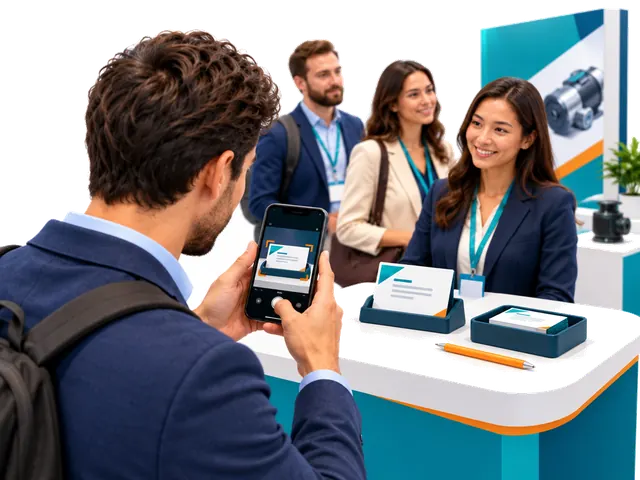
Cards and supplier contacts
How do I scan a supplier business card?
Choose the card-scanning control, take one clear photo of the side containing the company and contact information, or upload an existing image. Keep the card readable, in focus and free from glare. Allow camera access if your browser asks, or upload an existing photo instead. You do not need a second-side photo for the normal capture flow. My Fair saves the source image and extracts a supplier contact; review the result, then add any booth, meeting or product note you want to preserve.
Can I start without a card or without knowing a supplier yet?
Yes. Use Type company name manually to add a supplier. If you do not have a company in mind, explore the Exhibition Supplier Directory, find a relevant listing, copy its name and add it to My Fair. The directory is a discovery starting point, not proof of current participation, factory ownership or supplier quality. Company Research performs a public-source investigation rather than simply returning the directory listing.
Can I correct a scanned name or add missing information?
Yes. Review the extracted contact and edit the saved supplier or contact details when needed, including correcting the displayed name. Keep the original card and source evidence for comparison. A name correction does not independently establish the legal entity, factory ownership or a person's authority to quote, contract or receive payment.
What happens if the fair's internet connection is unstable?
Supported card capture and fair-floor items can be saved in the current browser on your device and queued for synchronization. Reconnect and keep My Fair available to let the pending items upload; check the saved-on-device and sync status before assuming they reached your account. Research and sending email require a connection. Unsynced items are not yet available on another device, so do not clear the browser's site data or abandon the device before checking that they synced.
Does scanning a card automatically record a meeting?
No. A card creates a supplier contact; it does not prove that a meeting occurred. Record real meetings yourself and add the booth, date, discussion, products, photos and next steps you want to remember. Use the bilingual conversation prompts to ask useful questions or show them to a supplier during a meeting. Products found in a report may be saved to the supplier without creating an invented meeting.
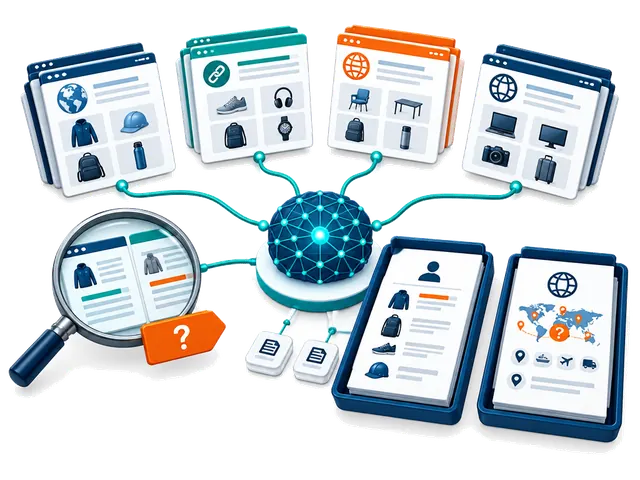
Research, modes and credits
What is the difference between Company Research and Supplier Risk & Compliance?
Company Research builds a source-linked profile covering identity and aliases, public websites and contacts, products, specifications, markets, manufacturing or trading signals, certification claims and unanswered questions. Supplier Risk & Compliance uses available research and the buyer's destination context for a separate decision brief covering supported and unverified findings, inconsistencies, product-specific compliance questions, contact and transaction risks, missing documents and next checks. Neither report approves a supplier, validates certificates, conducts a factory audit or provides legal clearance.
What do the four Company Research modes do?
Core Supplier Review is a broad first-pass review of identity, public contacts, products, markets and supporting sources. Fast is a shorter, lighter overview for orientation and may miss products, conflicts or sources. Extended Public-Source Review compares a broader set of public sources for corroboration, inconsistencies and unresolved questions. Product & Market Opportunity Scan emphasizes product lines, technical details, possible buyer and destination-market fit, and commercial questions. Coverage depends on available evidence; no mode guarantees verification, completeness, regulatory acceptance or confirmed opportunities. The Company Research mode setting does not select a different Risk & Compliance mode.
How does automatic research work, and can I turn it off?
Completing first-time setup enables automatic Company Research for new suppliers, with Core Supplier Review as the initial Company Research mode. Risk research starts switched off; you can enable it in the research controls. When Company automation is on and report allowance or credits are available, contact processing starts Company Research. If Risk automation is also enabled, the separate Risk review follows when Company Research is ready. Change the mode or turn automation off in the research controls. Scanning a card does not itself send a supplier message.
What is included for free, and when do report credits get used?
Each account includes five lifetime Company Research reports and five lifetime Risk & Compliance reports; these do not reset every month or at each fair. Card scans and manual supplier contact entries are unlimited. A new Company Research run uses one Company allowance or report credit, and a separate Risk report uses one Risk allowance or report credit. A Company-plus-Risk pair therefore uses two reports. Once included reports are used, available purchased or redeemed report credits can fund further runs. Purchased report credits do not expire; time-limited access has its own period and fair-use limit.
Can I keep working when my free reports or credits run out?
Yes. You can keep scanning cards, adding contacts, organizing your saved records, reviewing available reports and preparing your next steps. New chargeable research requires available report allowance, credits or eligible access. Purchased packages can also include a separate supplier-email allowance; report credits and email deliveries are different balances. Check Your account and the research allowance shown in My Fair before starting another run.
Will the app run and charge the same report again?
Completed Company Research is reused for the same supplier, destination, research mode and unchanged buyer profile rather than starting an identical new run. An active matching research job is also reused. Choosing a different mode or changing relevant buyer context can require new Company Research and another allowance or credit. Risk & Compliance retains and reuses a report for its supplier and selling destination; a different destination is a separate context.
Can I leave the page while research runs, and what should I do if it fails?
Research runs in the background after it has entered the processing queue. You can keep scanning, investigate another supplier or leave the report page, then return to check its status. Timing varies by mode, source availability, queue and connection; a fixed completion time is not promised. Do not repeatedly start an active job. A failed run releases its research allowance or credit; review the displayed error and use the available retry control when appropriate. Previously saved completed reports are retained.
Does the evidence score prove that a supplier, contact or certificate is verified?
No. The evidence score describes public-source support for that research run, not supplier quality, product safety, payment protection or approval. A matching company domain or official contact listing may support affiliation while leaving job title, quoting authority, contracting authority or payment authority unresolved. Factory images, marketplace badges, supplier statements and certification logos require further checks. Confirm critical details independently before committing or paying.
Why might a report contain missing, conflicting or unverified findings?
Public sources can be incomplete, outdated, inaccessible, promotional or about a similarly named company. The report should distinguish supported evidence, company or marketplace claims, analysis and gaps. Source-linked findings are a starting point for requesting the exact model, current documents, legal entity and commercial terms. An opportunity assessment is not confirmed demand, sales or regulatory acceptance. Inspect sources and do not treat a longer report as a guarantee of accuracy.
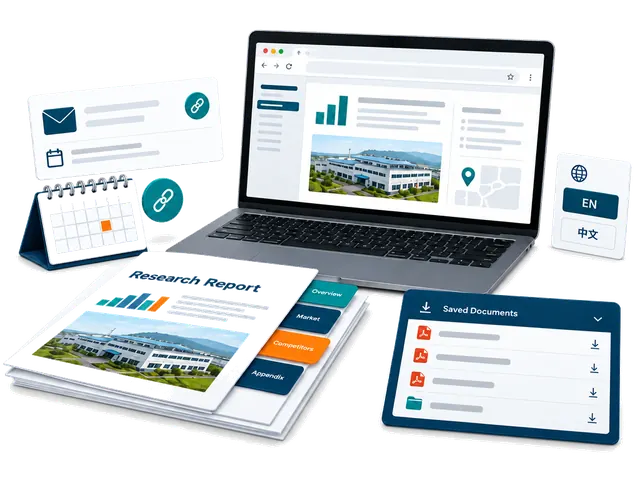
Reading and sharing reports
Where do I find reports and products discovered during research?
Open the supplier's Company Research or Risk & Compliance report from My Fair. Saved research runs can be selected from the report menu, and evidence-backed products can appear under the supplier and in Products with linked source context and categories. A public catalogue entry is not confirmation of current stock, price, MOQ or production capability. Verify the actual model and terms with the supplier.
Can I download a PDF, identify its research mode or use it with another AI tool?
Yes. Use Download AI-ready PDF for the buyer decision report. Its filename and footer show the Company Research mode so you can distinguish saved runs for the same supplier. The full buyer-fit verdict and buyer-relevant product and market findings appear early, before detailed supporting checks. A local PDF download does not use an email delivery. You can give the PDF to an AI tool you choose for questions or comparisons, but review its answers and consider that tool's privacy terms before uploading private information.
Can I translate reports into Chinese?
Company Research can be translated into Chinese on request when the feature is available to your account; if access is locked, follow the displayed unlock prompt. The saved English report and source evidence remain intact. Risk & Compliance reports remain in English. Code-generated report PDFs are English; for a ready Chinese Company Research view, use the browser's Print or Save as PDF option.
How do private report sharing and the full supplier action pack work?
Download permanent copies for your records, or use Email PDF to send a supplier-ready report; private buyer decision PDFs can only be emailed to your own account. In Follow-ups, the private full supplier action pack lists the action PDF, available saved Company Research PDFs and a ready Risk & Compliance PDF. Check the displayed file list: the number depends on which reports are available, and sending the pack does not run new research. Review recipients and the email allowance before confirming. Private pack links expire after seven days; share them only with intended recipients, who may retain downloaded copies. Device sharing depends on browser support and may fall back to a local download. Opening a sharing dialog does not automatically email a supplier.
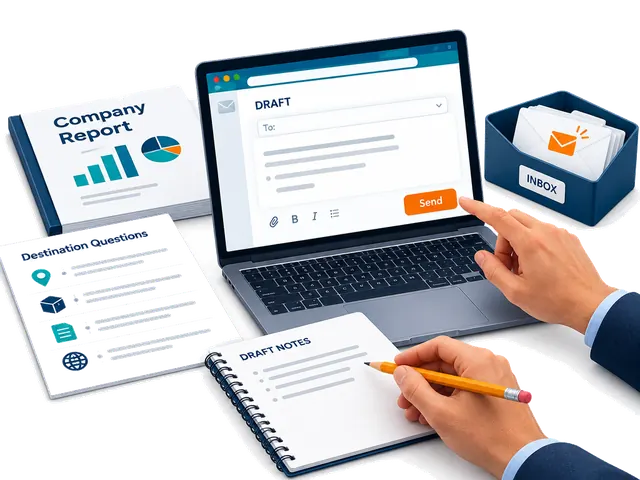
Supplier follow-ups and email
How are supplier follow-up messages prepared?
Open Follow-ups for the supplier. A First meeting draft uses ready Company Research; a Ready to proceed draft also requires ready Risk research. The draft uses the available report evidence and sourcing context to prepare useful questions and next steps. Review names, products, requirements, claims and recipient details, then edit the message before deciding to send. Set your buyer signature in Follow-ups so it can be reused.
Will ChinaConnect247 contact a supplier automatically?
No. Research and message preparation do not send an email by themselves. You choose the contact route, review the message, select and confirm email recipients, and deliberately send. You can instead copy the text to your own email, open WhatsApp or copy an available WeChat ID. Contact channels must be available from the card or research; an email address or profile is not proof of authority.
How many supplier emails are included, and are they separate from research credits?
The built-in email feature includes two deliveries. A redeemed report-credit package can add its own supplier-email allowance, separately from research credits. Each deliberate built-in supplier email uses a delivery from the available email balance; check the confirmation when sending to multiple recipients. You can continue copying messages and sending them through your own email, WhatsApp or WeChat after the built-in delivery allowance is used. Downloading a PDF locally does not use an email delivery.
Where do supplier replies go, and how can I tell whether a follow-up was sent?
Replies to built-in supplier follow-ups go to your signed-in email inbox, so use the account where you want replies delivered. My Fair retains available email-delivery activity and shows follow-up state such as sent or delivered. A sent or delivered status does not guarantee that a supplier read, understood or replied to the message. Check both the app's delivery record and your inbox, including spam folders, before deciding what to do next.
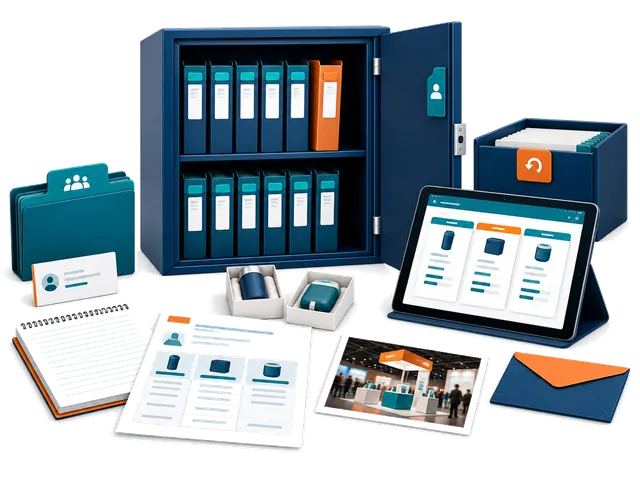
Saved records and privacy
What sourcing information can I keep with a supplier?
Keep real meetings, linked products, quotations, unit and landed-cost details, samples, product or booth photos, notes, tasks and follow-up activity with the supplier. Record important specifications, MOQ, customization, currency, shipping assumptions and dates so you can compare offers meaningfully. Saved quotes and samples are buyer records, not an automatic purchase order or payment commitment.
Can I compare suppliers and different saved research runs?
Yes. The comparison view lets you choose available completed Company Research runs, including saved historical runs, for a source-based comparison. The selected report names identify the research modes. Compare product fit, evidence gaps, factory or trading signals and commercial questions alongside your own quotations and samples. A ranking is decision support and does not guarantee the best supplier or future performance.
Can I archive a supplier without losing its history?
Yes. Archive a supplier you no longer need in the active list and restore it later. Successful scans and suppliers with saved activity are preserved through archive rather than treated as disposable captures; their research and sourcing history remain associated with the record. Failed captures without durable supplier activity can have separate removal options. Use the action shown for that record and review what it will affect.
Are my contacts and reports public, and what should I do if I need help?
Your signed-in My Fair workspace is private and records are scoped to your account. It does not automatically publish your contacts, buyer requirements, quotations or reports in the public supplier directory. You choose when to share, download or contact a supplier. For account or app help, contact inquiry@chinaconnect247.com with the supplier, destination, research mode, approximate time and the displayed error, while avoiding passwords, verification codes or unnecessary private documents. The Privacy notice explains data handling and available account-data controls.
01
서비스 범위
ChinaConnect247가 직접 제공하는 것은 무엇인가요?
요구사항 수집, 조사, 증거 정리, 비교, 견적·샘플 추적, 조정 및 의사결정 보고서를 제공합니다. 각 제공업체는 자신의 업무를 책임집니다.
독립적인 제3자가 수행하는 서비스는 무엇인가요?
공장 감사, 검사, 시험, 법률, 인증, 통관, 운송, 보험, 보관 및 마켓플레이스 서비스는 확인된 독립 제공업체가 수행할 수 있습니다.
RFQ와 제품 사양을 준비할 수 있나요?
가능합니다. 소재, 치수, 성능, 브랜드, MOQ, 포장, 품질, Incoterms와 일정을 정리해 견적을 비교하기 쉽게 합니다.
1688, Alibaba 및 공장에서 제품을 찾을 수 있나요?
가능하지만 등록 글이나 배지가 공장 지위나 적합성을 증명하지는 않습니다. 확인, 샘플, 방문 또는 검사가 필요할 수 있습니다.
02
가격 및 계약
ChinaConnect247 서비스 비용은 얼마인가요?
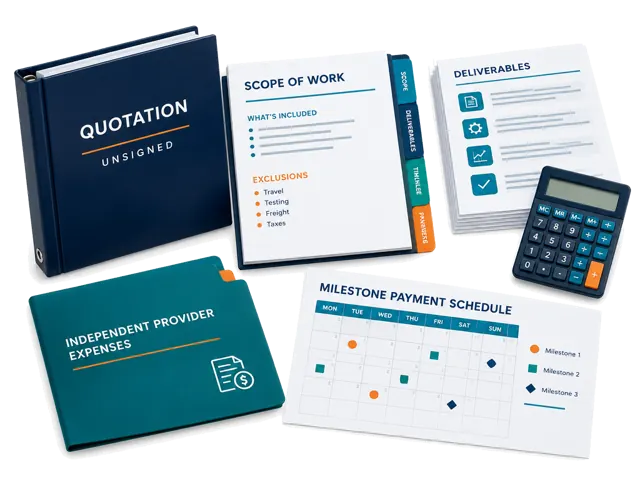
관리 보고서는 약 100~500달러, 결제 전 검토는 250~1,000달러, 검사는 400~1,500달러이며 대형 프로그램은 50,000달러까지입니다.
03
조사와 증거
공급업체 조사 보고서가 공급업체의 안전을 보장하나요?
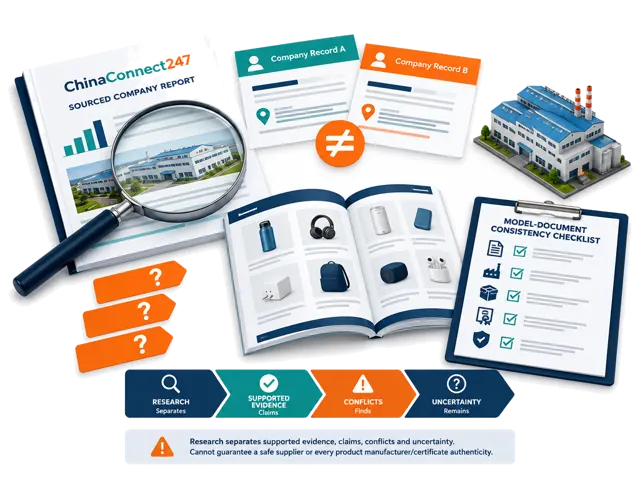
아니요. 공개 증거와 추가 확인 사항을 정리하지만 행동, 품질, 배송, 지급능력 또는 결제 안전을 보장하지 않습니다.
공급업체가 공장인지 무역회사인지 확인할 수 있나요?
법인, 생산지 및 사용 가능한 자료를 비교해 결론과 불확실성을 표시합니다. 웹사이트나 면허만으로는 충분하지 않습니다.
인증서가 공급업체, 모델 및 시장과 일치하는지 확인할 수 있나요?
이름, 모델, 발급기관, 날짜, 설명 및 대상 시장을 비교합니다. 이는 일관성 확인이며 인증이나 승인이 아닙니다.
증거가 불완전하거나 충돌하면 어떻게 하나요?
충돌을 보존하고 주장, 공개 자료, 관찰 및 미해결 질문을 구분합니다. 추가 확인을 권할 수 있습니다.
제품의 원래 제조업체를 찾을 수 있나요?
이미지, 모델, 플랫폼, 주소, 공장 자료와 생산 증거를 찾아 가능성 높은 제조업체를 식별하지만 단일 원산지는 보장하지 않습니다.
04
주문과 품질
성공적인 샘플이면 대량 주문도 안전한가요?
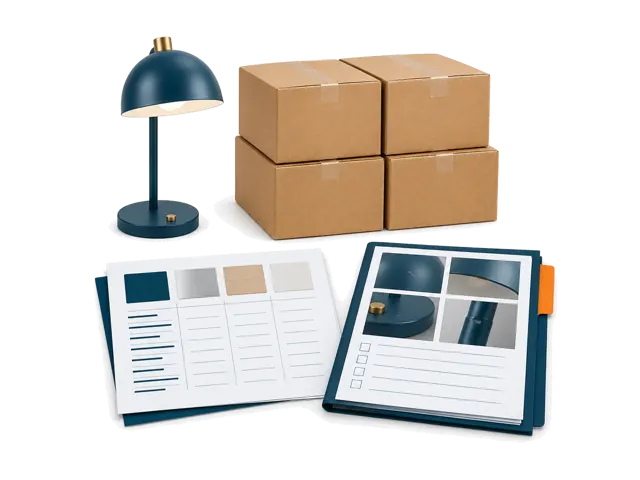
아니요. 서면 사양, 변경 관리, 생산 증거, 검사 기준 및 결제 단계가 필요합니다.
확장 전에 첫 주문을 어떻게 관리해야 하나요?
파일럿으로 보고 제품, 샘플, 수량, 포장, 결함, 일정, 증거와 승인 지점을 서면으로 정하세요.
05
관리 서비스
공장 방문과 검사를 조정할 수 있나요?
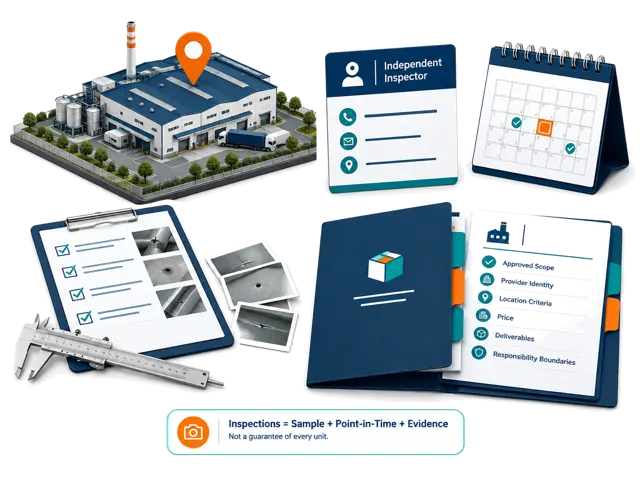
목적을 정하고 정보를 모아 이용 가능한 제공업체를 조정할 수 있습니다. 장소, 시간, 가격, 기준과 책임은 별도로 승인합니다.
선적 전 검사에는 무엇이 포함되어야 하나요?
수량, 사양, 외관, 기능, 소재, 라벨, 포장, 부속품, 상자, 결함 및 샘플 비교를 포함할 수 있습니다.
맞춤 포장, 보관, fulfillment 및 미국·캐나다 배송을 조정할 수 있나요?
제품, 수량, 출발지와 목적지에 따라 독립 제공업체를 조정할 수 있지만 통관, 창고 수령 또는 배송일은 보장하지 않습니다.
06
결제와 물류
결제를 처리하거나 보증금을 보호하나요?
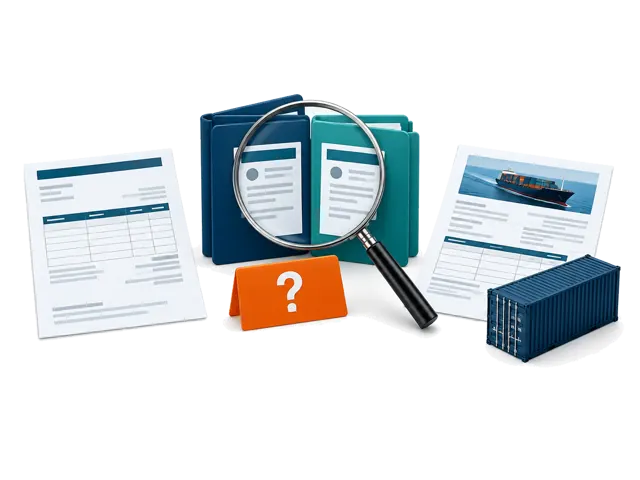
아니요. 계약 회사, 청구 주체와 결제 수취인을 비교할 수 있지만 은행 정보와 결제 방식은 구매자가 확인해야 합니다.
수입자, 운송업체, 통관사 또는 창고인가요?
아니요. 요구사항을 정리하고 독립 제공업체를 조정하지만 규제·운영 책임은 지정 제공업체에 있습니다.
Alibaba 인증 배지나 Trade Assurance가 주문을 보장하나요?
아니요. 일부 위험을 줄일 수 있지만 보호는 자격, 조건, 증거, 기한 및 플랫폼 결제에 달려 있습니다.
결제 전에 어떤 공급업체 확인을 할 수 있나요?
범위에 따라 법인명, 등록, 주소, 사업, 플랫폼 정보, 청구서, 수취인, 능력, 인증서와 연락처를 비교합니다.
DDP 견적에서 무엇을 확인해야 하나요?
목적지, Incoterm 버전, 운송, 관세, 세금, 통관, 수입자, 제한, 서류, 보험, 도착지 비용과 제외 항목을 확인하세요.
07
마켓플레이스 서비스
마켓플레이스 등록이나 Amazon 계정 및 광고를 관리하나요?
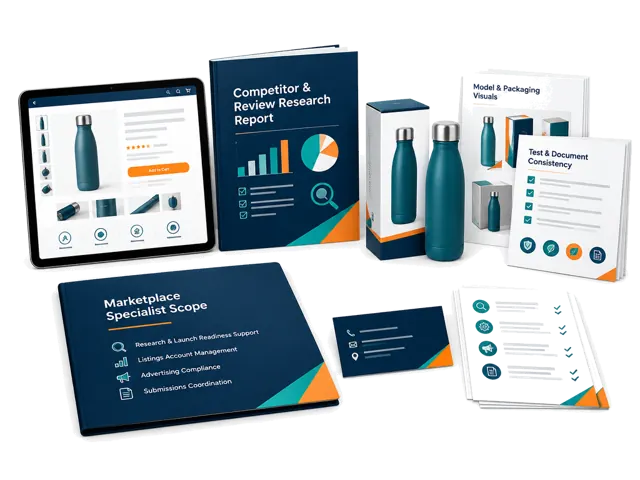
표준 기능이 아닙니다. 제품 조사와 출시 준비를 지원하며 계정, 광고 및 규정 준수는 별도 범위입니다.
자체 브랜드 규정 준수 문서를 맞추는 데 도움을 줄 수 있나요?
브랜드, 모델, 제조업체, 시험, 인증서, 포장, 라벨, 설명서와 등록 정보를 비교하고 차이를 표시하지만 승인을 보장하지 않습니다.
08
전문 판단
법률, 규제, 특허, 상표 또는 인증 자문을 제공하나요?
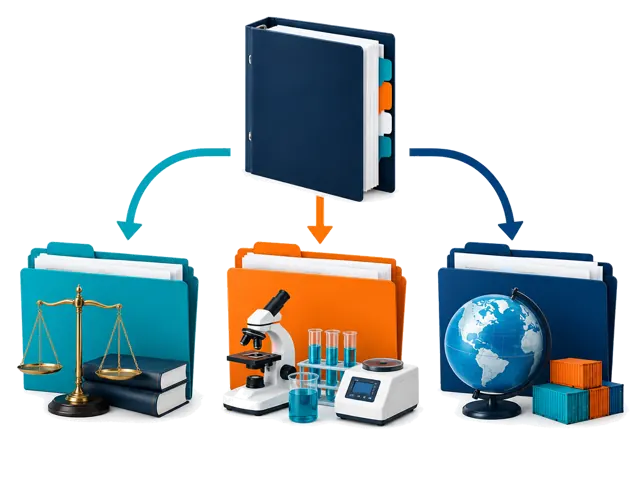
최종 전문가 판단은 제공하지 않습니다. 자료와 질문을 정리하고 자격 있는 전문가를 조정합니다.
09
제공업체와 상업 조건
제3자 제공업체는 어떻게 선정하고 비용을 지불하나요?
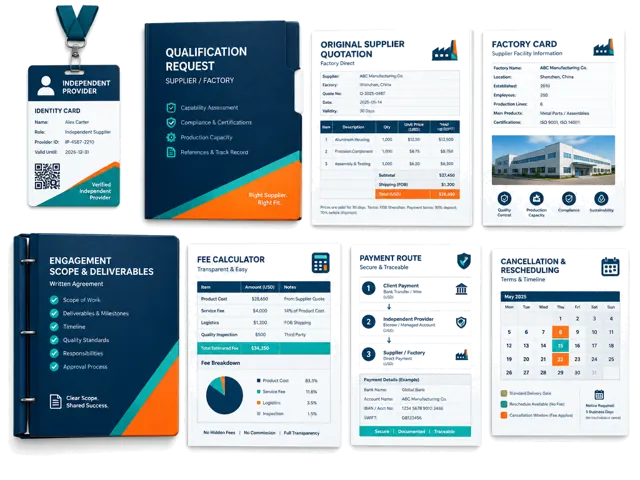
범위, 위치, 경험, 자격, 증거 요건, 이용 가능성 및 상업적 적합성을 봅니다. 비용과 책임은 승인 전에 확인합니다.
ChinaConnect247가 공급업체로부터 수수료를 받나요?
독립적인 순위나 추천 대가로 공개되지 않은 금액을 받지 않습니다. 관련 상업 관계는 구매자에게 알립니다.
구매자가 공장 정보와 원본 견적을 받을 수 있나요?
자료가 있고 합법적으로 공유할 수 있으면 원본 정보와 견적을 보존하고 확인되지 않은 내용을 표시합니다.
검사원은 누가 선택하고 비용을 지불하나요?
위치, 제품, 범위, 자격, 증거, 이용 가능성과 가격에 따라 제안할 수 있습니다. 예약 전 구매자가 승인합니다.
결제 전에 ChinaConnect247와 독립 제공업체를 어떻게 확인하나요?
계약 주체, 서면 범위, 담당자, 결과물, 가격, 수취인, 책임, 취소 조건과 필요한 자격·보험을 요청하세요.
제공업체가 늦거나 검사 분쟁 또는 취소가 발생하면 어떻게 되나요?
서면 견적이나 계약이 일정, 변경, 재작업, 환불과 책임을 정합니다. 후속 조정은 하지만 제공업체 책임을 자동으로 지지는 않습니다.
10
시작과 기간
조사를 시작하려면 어떤 정보가 필요한가요?
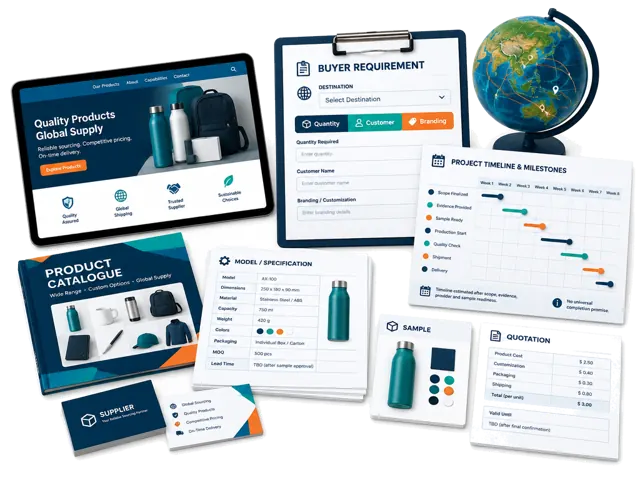
공급업체, 웹사이트, 제품, 견적, 모델, 전시회 정보와 메시지, 시장, 수량, 브랜드 요구사항을 보내 주세요.
조사, 방문, 샘플 및 검사는 얼마나 걸리나요?
정해진 기간은 없습니다. 증거, 위치, 맞춤화, 주문 준비와 제공업체 일정에 따라 달라집니다.
11
책임과 위험
품질, 배송, 규정 준수 또는 마켓플레이스 판매를 보장하나요?
아니요. 조사와 조정은 불확실성을 줄이지만 성능, 통관, 승인, 수익 또는 판매를 보장하지 않습니다.
12
개인정보와 기록
구매자, 공급업체 및 상업 기록은 어떻게 보호되나요?
비공개 My Fair 기록은 인증이 필요하고 소유자에게만 표시됩니다. 추적성을 위해 증거를 보존하고 필요한 범위만 공유합니다.
아직 결정 중인가요?
검토 중인 공급업체, 제품, 결정을 알려주세요.
유료 업무를 시작하기 전에 ChinaConnect247가 맡을 수 있는 일, 독립 제공업체가 필요한 부분, 구매자가 결정해야 할 사항을 설명합니다.
ChinaConnect247는 StructuredLayer가 운영합니다.
캔톤 페어 정보, My Fair, 공급업체 조사, 소싱 조정, 개인정보 보호 또는 계정 지원은 운영자에게 직접 문의하세요.
이 답변은 일반적인 서비스 범위를 설명하며, 프로젝트별 서면 범위, 제공업체 계약, 법률 자문, 규제 검토, 시험기관 결론, 보험 또는 구매 결정을 대신하지 않습니다.