

النطاق والأدلة والمسؤولية
الأسئلة الشائعة في ChinaConnect247
نقطة تنسيق واحدة لمسار التوريد المتفق عليه، مع إجابات مباشرة عما نقدمه، ومتى يشارك متخصصون مستقلون، وما الذي يمكن أن تثبته الأبحاث، وما القرارات التي تبقى على عاتق المشتري.
My Fair app questions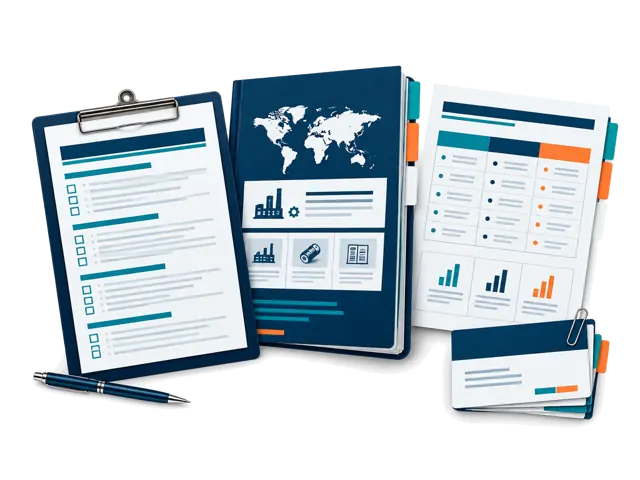
يُقدَّم مباشرة
البحث والتنظيم والسجلات والمقارنات والتنسيق.
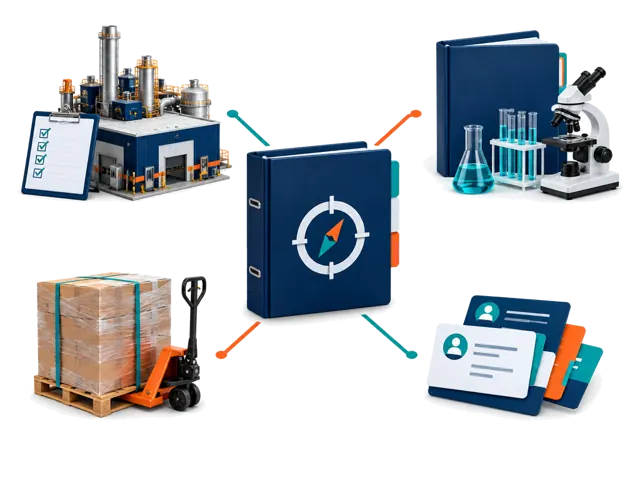
يُدار مع مزودين
الأعمال الميدانية والتشغيلية حسب النطاق والتوافر.
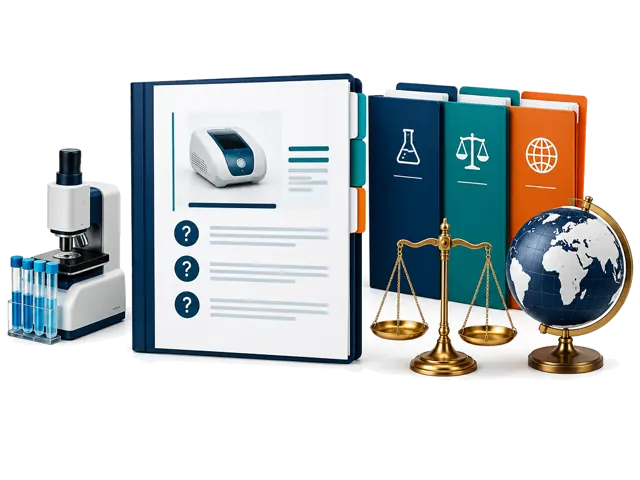
قرارات متخصصة
الاستنتاجات القانونية والتنظيمية والمخبرية والجمركية وغيرها.
تبدأ تقارير الموردين المُدارة من 100 دولار. ويبدأ تنسيق زيارة المصنع من 300 دولار.
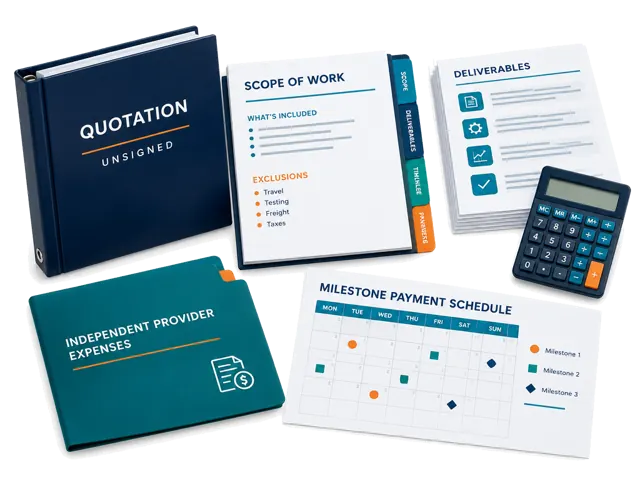
قد تصل البرامج الأكبر المعتمدة إلى 50,000 دولار. نؤكد كتابياً النطاق وأعمال المزودين والاستثناءات ومراحل الدفع وحدود المسؤولية.
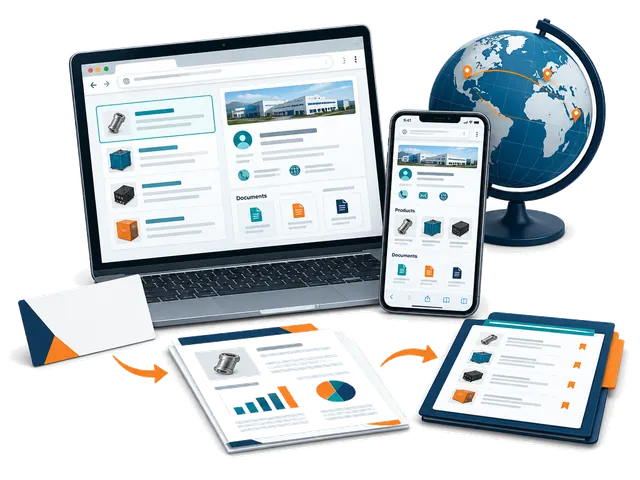
Self-service sourcing workspace
My Fair app: how it works
Use ChinaConnect247 in your browser on mobile or desktop. Start with a card or company name, research with your selling destination in mind, and keep the evidence and next steps together. No app installation or managed-service booking is needed.
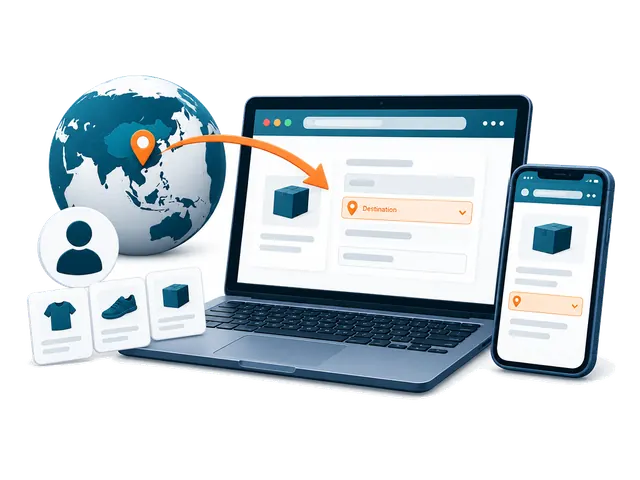
Getting started
What is My Fair, and who is it for?
My Fair is your private ChinaConnect247 workspace for supplier sourcing. Buyers can turn a business card or company name into a saved contact, public-source company research, a separate risk review, linked products and a sourcing decision trail. Suppliers can research their own company, see what international buyers can find, and prepare evidence and quotations for different destination markets. You remain responsible for checking important claims and deciding whether to proceed.
Do I need to download an app or attend Canton Fair?
No app download is required. Open ChinaConnect247 in a browser on your phone, tablet or desktop and choose Open My Fair. You can use it at Canton Fair, at other exhibitions, from your office or after returning home. A camera is useful for cards and photos, but a desktop user can upload an existing card image or add a company name manually.
Do I need an account, and which email should I use?
Yes. Sign in using an option offered on the login page so your private workspace can be associated with your account. Use the account email where you want supplier replies to arrive: built-in supplier follow-ups use your signed-in inbox as the reply destination. Use the same account on another device to access records that have finished syncing.
What information do I need before my first research?
Complete the first-time buyer setup with the country where the product will be sold or used, your buyer type, and the products or sourcing requirement you are considering. Add a state or region where useful. Optional sourcing model, order size, budget, customization, lead-time and quality priorities make the research more relevant. These answers guide the investigation; they are not automatically sent to suppliers. A supplier name or readable business card gives the research its starting company.
Why does the selling destination matter, and can I change it?
Product standards, labels, plugs, packaging and import questions depend on where you will sell or use the goods. Choose one concrete destination in My Fair and use the destination controls to change it or add another market. The current fair setup uses China as the sourcing base; that is different from the selling destination. Reports and market-specific activity remain associated with their saved destination, so research for one market should not be treated as clearance for another.
Do I have to buy a managed sourcing service to use My Fair?
No. My Fair is a self-service browser workspace with included research allowances. You can scan cards, add contacts, use available research and organize sourcing records yourself. Managed supplier reports, visits, inspections, documentation and other coordination services are separate engagements with an agreed scope and quotation. Buying a managed service is not a requirement for starting the app.
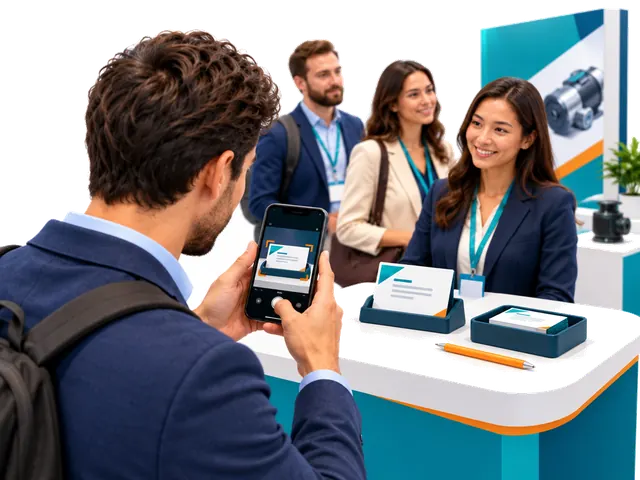
Cards and supplier contacts
How do I scan a supplier business card?
Choose the card-scanning control, take one clear photo of the side containing the company and contact information, or upload an existing image. Keep the card readable, in focus and free from glare. Allow camera access if your browser asks, or upload an existing photo instead. You do not need a second-side photo for the normal capture flow. My Fair saves the source image and extracts a supplier contact; review the result, then add any booth, meeting or product note you want to preserve.
Can I start without a card or without knowing a supplier yet?
Yes. Use Type company name manually to add a supplier. If you do not have a company in mind, explore the Exhibition Supplier Directory, find a relevant listing, copy its name and add it to My Fair. The directory is a discovery starting point, not proof of current participation, factory ownership or supplier quality. Company Research performs a public-source investigation rather than simply returning the directory listing.
Can I correct a scanned name or add missing information?
Yes. Review the extracted contact and edit the saved supplier or contact details when needed, including correcting the displayed name. Keep the original card and source evidence for comparison. A name correction does not independently establish the legal entity, factory ownership or a person's authority to quote, contract or receive payment.
What happens if the fair's internet connection is unstable?
Supported card capture and fair-floor items can be saved in the current browser on your device and queued for synchronization. Reconnect and keep My Fair available to let the pending items upload; check the saved-on-device and sync status before assuming they reached your account. Research and sending email require a connection. Unsynced items are not yet available on another device, so do not clear the browser's site data or abandon the device before checking that they synced.
Does scanning a card automatically record a meeting?
No. A card creates a supplier contact; it does not prove that a meeting occurred. Record real meetings yourself and add the booth, date, discussion, products, photos and next steps you want to remember. Use the bilingual conversation prompts to ask useful questions or show them to a supplier during a meeting. Products found in a report may be saved to the supplier without creating an invented meeting.
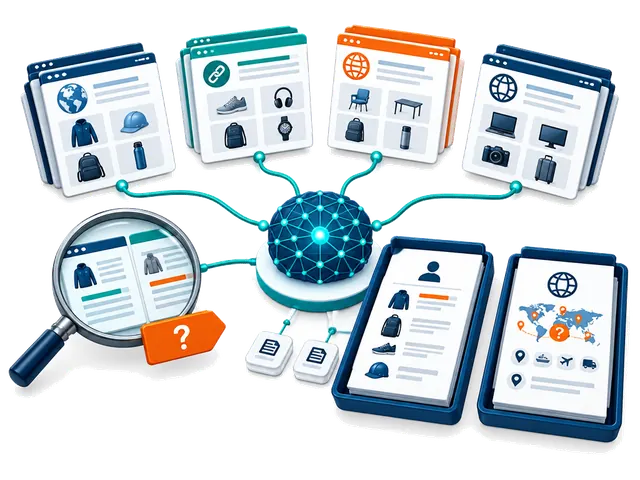
Research, modes and credits
What is the difference between Company Research and Supplier Risk & Compliance?
Company Research builds a source-linked profile covering identity and aliases, public websites and contacts, products, specifications, markets, manufacturing or trading signals, certification claims and unanswered questions. Supplier Risk & Compliance uses available research and the buyer's destination context for a separate decision brief covering supported and unverified findings, inconsistencies, product-specific compliance questions, contact and transaction risks, missing documents and next checks. Neither report approves a supplier, validates certificates, conducts a factory audit or provides legal clearance.
What do the four Company Research modes do?
Core Supplier Review is a broad first-pass review of identity, public contacts, products, markets and supporting sources. Fast is a shorter, lighter overview for orientation and may miss products, conflicts or sources. Extended Public-Source Review compares a broader set of public sources for corroboration, inconsistencies and unresolved questions. Product & Market Opportunity Scan emphasizes product lines, technical details, possible buyer and destination-market fit, and commercial questions. Coverage depends on available evidence; no mode guarantees verification, completeness, regulatory acceptance or confirmed opportunities. The Company Research mode setting does not select a different Risk & Compliance mode.
How does automatic research work, and can I turn it off?
Completing first-time setup enables automatic Company Research for new suppliers, with Core Supplier Review as the initial Company Research mode. Risk research starts switched off; you can enable it in the research controls. When Company automation is on and report allowance or credits are available, contact processing starts Company Research. If Risk automation is also enabled, the separate Risk review follows when Company Research is ready. Change the mode or turn automation off in the research controls. Scanning a card does not itself send a supplier message.
What is included for free, and when do report credits get used?
Each account includes five lifetime Company Research reports and five lifetime Risk & Compliance reports; these do not reset every month or at each fair. Card scans and manual supplier contact entries are unlimited. A new Company Research run uses one Company allowance or report credit, and a separate Risk report uses one Risk allowance or report credit. A Company-plus-Risk pair therefore uses two reports. Once included reports are used, available purchased or redeemed report credits can fund further runs. Purchased report credits do not expire; time-limited access has its own period and fair-use limit.
Can I keep working when my free reports or credits run out?
Yes. You can keep scanning cards, adding contacts, organizing your saved records, reviewing available reports and preparing your next steps. New chargeable research requires available report allowance, credits or eligible access. Purchased packages can also include a separate supplier-email allowance; report credits and email deliveries are different balances. Check Your account and the research allowance shown in My Fair before starting another run.
Will the app run and charge the same report again?
Completed Company Research is reused for the same supplier, destination, research mode and unchanged buyer profile rather than starting an identical new run. An active matching research job is also reused. Choosing a different mode or changing relevant buyer context can require new Company Research and another allowance or credit. Risk & Compliance retains and reuses a report for its supplier and selling destination; a different destination is a separate context.
Can I leave the page while research runs, and what should I do if it fails?
Research runs in the background after it has entered the processing queue. You can keep scanning, investigate another supplier or leave the report page, then return to check its status. Timing varies by mode, source availability, queue and connection; a fixed completion time is not promised. Do not repeatedly start an active job. A failed run releases its research allowance or credit; review the displayed error and use the available retry control when appropriate. Previously saved completed reports are retained.
Does the evidence score prove that a supplier, contact or certificate is verified?
No. The evidence score describes public-source support for that research run, not supplier quality, product safety, payment protection or approval. A matching company domain or official contact listing may support affiliation while leaving job title, quoting authority, contracting authority or payment authority unresolved. Factory images, marketplace badges, supplier statements and certification logos require further checks. Confirm critical details independently before committing or paying.
Why might a report contain missing, conflicting or unverified findings?
Public sources can be incomplete, outdated, inaccessible, promotional or about a similarly named company. The report should distinguish supported evidence, company or marketplace claims, analysis and gaps. Source-linked findings are a starting point for requesting the exact model, current documents, legal entity and commercial terms. An opportunity assessment is not confirmed demand, sales or regulatory acceptance. Inspect sources and do not treat a longer report as a guarantee of accuracy.
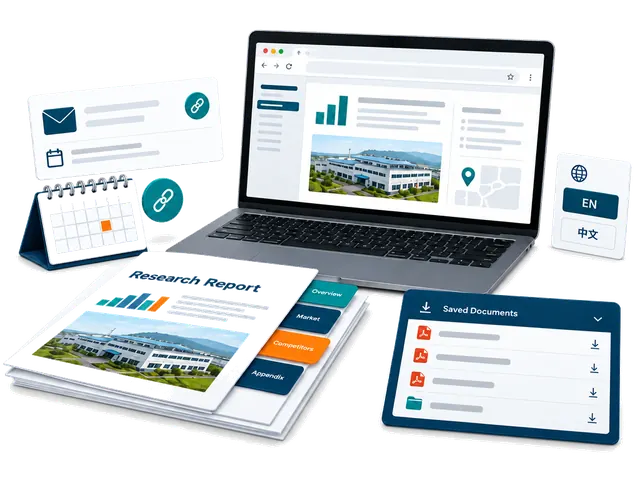
Reading and sharing reports
Where do I find reports and products discovered during research?
Open the supplier's Company Research or Risk & Compliance report from My Fair. Saved research runs can be selected from the report menu, and evidence-backed products can appear under the supplier and in Products with linked source context and categories. A public catalogue entry is not confirmation of current stock, price, MOQ or production capability. Verify the actual model and terms with the supplier.
Can I download a PDF, identify its research mode or use it with another AI tool?
Yes. Use Download AI-ready PDF for the buyer decision report. Its filename and footer show the Company Research mode so you can distinguish saved runs for the same supplier. The full buyer-fit verdict and buyer-relevant product and market findings appear early, before detailed supporting checks. A local PDF download does not use an email delivery. You can give the PDF to an AI tool you choose for questions or comparisons, but review its answers and consider that tool's privacy terms before uploading private information.
Can I translate reports into Chinese?
Company Research can be translated into Chinese on request when the feature is available to your account; if access is locked, follow the displayed unlock prompt. The saved English report and source evidence remain intact. Risk & Compliance reports remain in English. Code-generated report PDFs are English; for a ready Chinese Company Research view, use the browser's Print or Save as PDF option.
How do private report sharing and the full supplier action pack work?
Download permanent copies for your records, or use Email PDF to send a supplier-ready report; private buyer decision PDFs can only be emailed to your own account. In Follow-ups, the private full supplier action pack lists the action PDF, available saved Company Research PDFs and a ready Risk & Compliance PDF. Check the displayed file list: the number depends on which reports are available, and sending the pack does not run new research. Review recipients and the email allowance before confirming. Private pack links expire after seven days; share them only with intended recipients, who may retain downloaded copies. Device sharing depends on browser support and may fall back to a local download. Opening a sharing dialog does not automatically email a supplier.
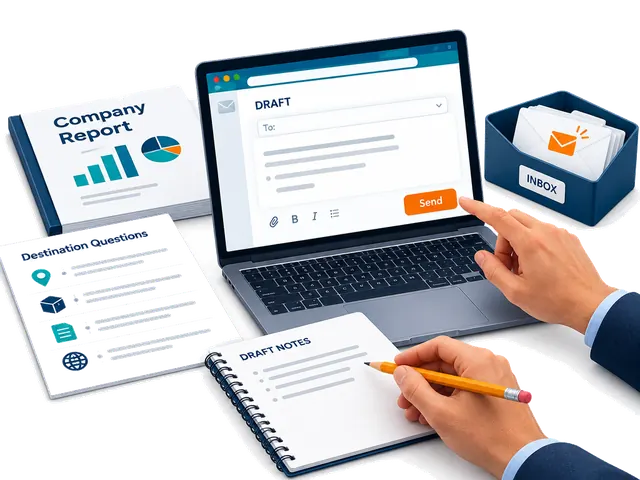
Supplier follow-ups and email
How are supplier follow-up messages prepared?
Open Follow-ups for the supplier. A First meeting draft uses ready Company Research; a Ready to proceed draft also requires ready Risk research. The draft uses the available report evidence and sourcing context to prepare useful questions and next steps. Review names, products, requirements, claims and recipient details, then edit the message before deciding to send. Set your buyer signature in Follow-ups so it can be reused.
Will ChinaConnect247 contact a supplier automatically?
No. Research and message preparation do not send an email by themselves. You choose the contact route, review the message, select and confirm email recipients, and deliberately send. You can instead copy the text to your own email, open WhatsApp or copy an available WeChat ID. Contact channels must be available from the card or research; an email address or profile is not proof of authority.
How many supplier emails are included, and are they separate from research credits?
The built-in email feature includes two deliveries. A redeemed report-credit package can add its own supplier-email allowance, separately from research credits. Each deliberate built-in supplier email uses a delivery from the available email balance; check the confirmation when sending to multiple recipients. You can continue copying messages and sending them through your own email, WhatsApp or WeChat after the built-in delivery allowance is used. Downloading a PDF locally does not use an email delivery.
Where do supplier replies go, and how can I tell whether a follow-up was sent?
Replies to built-in supplier follow-ups go to your signed-in email inbox, so use the account where you want replies delivered. My Fair retains available email-delivery activity and shows follow-up state such as sent or delivered. A sent or delivered status does not guarantee that a supplier read, understood or replied to the message. Check both the app's delivery record and your inbox, including spam folders, before deciding what to do next.
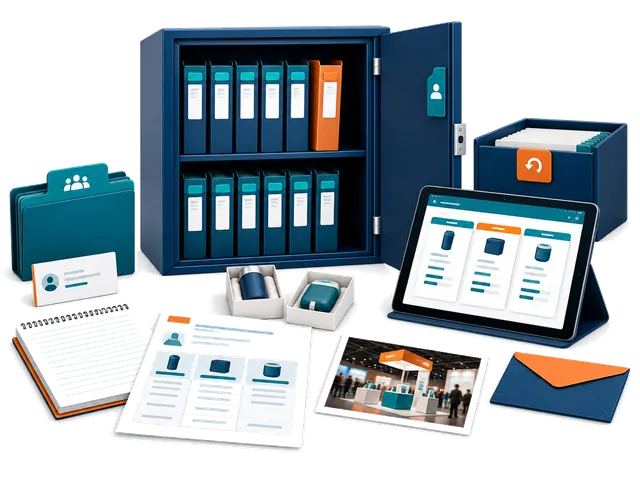
Saved records and privacy
What sourcing information can I keep with a supplier?
Keep real meetings, linked products, quotations, unit and landed-cost details, samples, product or booth photos, notes, tasks and follow-up activity with the supplier. Record important specifications, MOQ, customization, currency, shipping assumptions and dates so you can compare offers meaningfully. Saved quotes and samples are buyer records, not an automatic purchase order or payment commitment.
Can I compare suppliers and different saved research runs?
Yes. The comparison view lets you choose available completed Company Research runs, including saved historical runs, for a source-based comparison. The selected report names identify the research modes. Compare product fit, evidence gaps, factory or trading signals and commercial questions alongside your own quotations and samples. A ranking is decision support and does not guarantee the best supplier or future performance.
Can I archive a supplier without losing its history?
Yes. Archive a supplier you no longer need in the active list and restore it later. Successful scans and suppliers with saved activity are preserved through archive rather than treated as disposable captures; their research and sourcing history remain associated with the record. Failed captures without durable supplier activity can have separate removal options. Use the action shown for that record and review what it will affect.
Are my contacts and reports public, and what should I do if I need help?
Your signed-in My Fair workspace is private and records are scoped to your account. It does not automatically publish your contacts, buyer requirements, quotations or reports in the public supplier directory. You choose when to share, download or contact a supplier. For account or app help, contact inquiry@chinaconnect247.com with the supplier, destination, research mode, approximate time and the displayed error, while avoiding passwords, verification codes or unnecessary private documents. The Privacy notice explains data handling and available account-data controls.
01
نطاق الخدمات
ماذا تقدم ChinaConnect247 مباشرة؟
نقدم جمع المتطلبات والبحث وتنظيم الأدلة والمقارنات وتتبع عروض الأسعار والعينات وتنسيق المتابعة وتقارير القرار. ويبقى كل مزود مستقلاً مسؤولاً عن عمله.
ما الخدمات التي ينفذها أطراف مستقلون؟
قد ينفذ مزودون مستقلون محددون تدقيق المصانع والفحص والاختبارات والخدمات القانونية والشهادات والجمارك والشحن والتأمين والتخزين وخدمات المنصات.
هل يمكن إعداد طلب عرض ومواصفات للمنتج؟
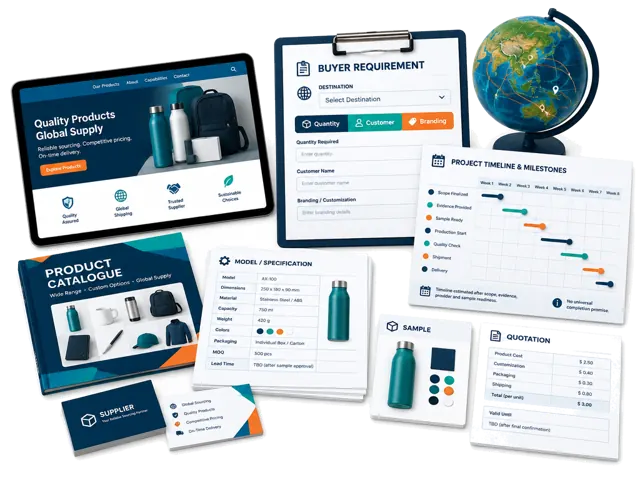
نعم. ننظم المواد والأبعاد والأداء والعلامة والحد الأدنى والتغليف ومعايير الجودة وشروط التجارة والمواعيد لتسهيل مقارنة العروض.
هل يمكن البحث عن المنتجات في 1688 وAlibaba والمصانع؟
نعم، لكن الإعلان أو الشارة لا يثبتان صفة المصنع أو ملاءمة الطلب، وقد يلزم تحقق أو عينة أو زيارة أو فحص.
02
الأسعار والتعاقد
كم تكلف خدمات ChinaConnect247؟
تبدأ التقارير المدارة تقريباً من 100 إلى 500 دولار، ومراجعات ما قبل الدفع من 250 إلى 1,000، والتفتيش من 400 إلى 1,500، وقد تصل البرامج الكبيرة إلى 50,000 دولار.
03
البحث والأدلة
هل يضمن تقرير بحث المورد أن المورد آمن؟
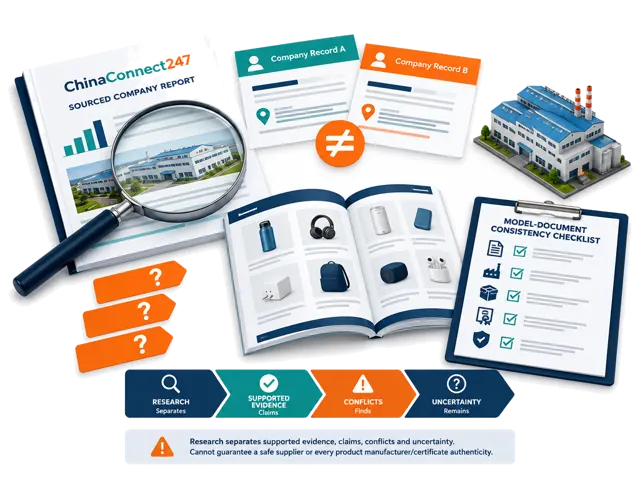
لا. ينظم التقرير الأدلة العامة ويشير إلى التعارضات والتحقق المطلوب، لكنه لا يضمن السلوك أو الجودة أو التسليم أو الملاءة أو سلامة الدفع.
هل يمكنكم تأكيد أن المورد مصنع أم شركة تجارية؟
نقارن الكيان القانوني وموقع الإنتاج والمصادر المتاحة ونوضح النتيجة ودرجة عدم اليقين. الموقع أو الجناح أو الرخصة وحدها لا تكفي.
هل يمكن فحص تطابق الشهادات مع المورد والطراز والسوق؟
نقارن الاسم والطراز والجهة المصدرة والتاريخ والوصف والسوق المستهدف. هذا فحص اتساق وليس تصديقاً أو موافقة تنظيمية.
ماذا يحدث عند نقص الأدلة أو تعارضها؟
نحافظ على التعارض ولا نملأ الفجوة بافتراض، ونميز بين أقوال المورد والمصادر العامة والملاحظات والأسئلة العالقة وقد نوصي بتحقق إضافي.
هل يمكن العثور على المصنع الأصلي للمنتج؟
نبحث في الصور والطرازات والمنصات والعناوين ومواد المصنع وأدلة الإنتاج لتحديد مصنع محتمل، دون ضمان وجود مصنع أصلي واحد.
04
الطلبات والجودة
هل تعني العينة الناجحة أن الطلب الكبير آمن؟
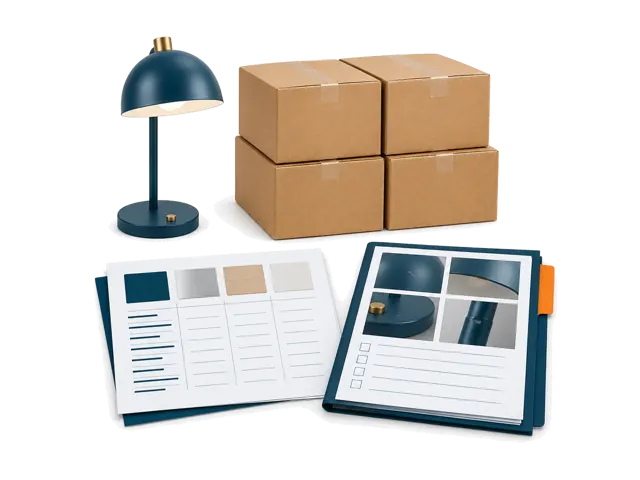
لا. يجب تثبيت المواصفات والعينة والقيود على التغيير وأدلة الإنتاج ومعايير الفحص ومراحل الدفع كتابةً.
كيف نضبط الطلب الأول قبل التوسع؟
عامله كتجربة مضبوطة وحدد كتابةً المنتج والعينة والكمية والتغليف والعيوب والمواعيد والأدلة ونقاط القبول قبل زيادة الحجم.
05
الخدمات المُدارة
هل يمكنكم ترتيب زيارات المصانع والفحوص؟
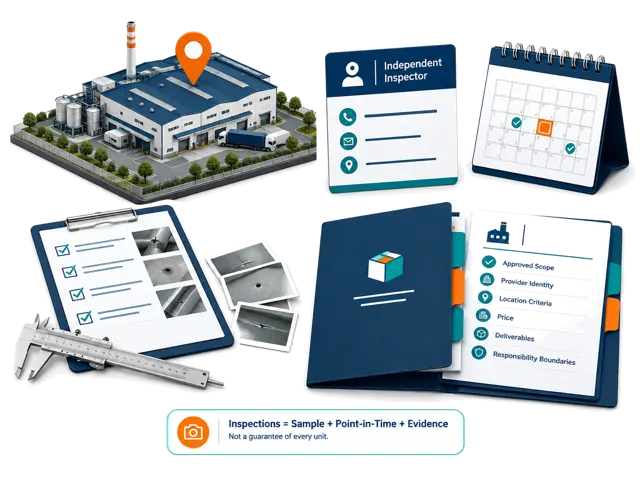
نساعد في تحديد الهدف وجمع المعلومات وتنسيق مزود مناسب. ويجب اعتماد المكان والوقت والسعر والمعايير والمسؤوليات بشكل منفصل.
ماذا يجب أن يشمل فحص ما قبل الشحن؟
يمكن أن يشمل الكمية والمواصفات والمظهر والوظيفة والمواد والملصقات والتغليف والملحقات والعيوب والمقارنة بالعينة والمواصفات.
هل يمكن تنسيق التغليف والتخزين والتنفيذ والشحن إلى الولايات المتحدة أو كندا؟
يمكننا تنسيق مزودين مستقلين وفق المنتج والحجم والأصل والوجهة، لكن لا نضمن الجمارك أو قبول المستودع أو موعد التسليم.
06
المدفوعات واللوجستيات
هل تتولون المدفوعات أو تحمون العربون؟
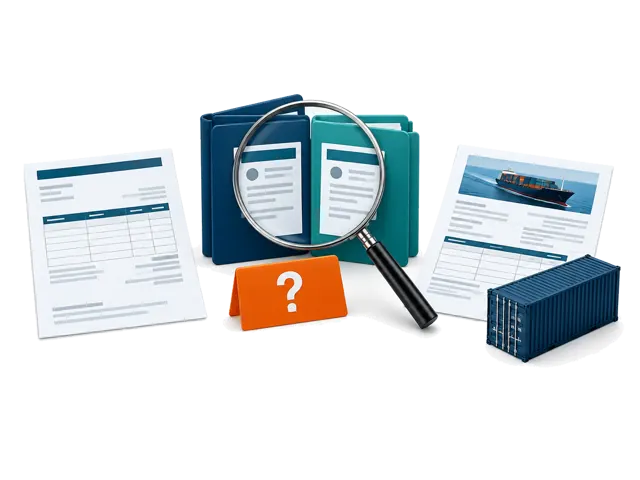
لا. يمكننا مقارنة الشركة المتعاقدة ومصدر الفاتورة والمستفيد من الدفع، لكن يجب على المشتري تأكيد بيانات البنك واختيار وسيلة الدفع.
هل تعملون كمستورد أو وكيل شحن أو مخلص جمركي أو مستودع؟
لا. يمكننا تنظيم المتطلبات وتنسيق مزودين مستقلين، وتبقى المسؤوليات التشغيلية والتنظيمية على المزود المعيّن.
هل يضمن شريط Alibaba أو Trade Assurance الطلب؟
لا. قد تخفض هذه الأدوات بعض المخاطر فقط، وتعتمد الحماية على الأهلية والشروط والأدلة والمواعيد والدفع عبر المنصة.
ما فحوص المورد الممكنة قبل الدفع؟
نقارن حسب النطاق الاسم القانوني والتسجيل والعنوان والنشاط وهوية المنصة والفاتورة والمستفيد والقدرة والشهادات وبيانات الاتصال.
ماذا يجب فحصه في عرض DDP؟
تحقق من الوجهة وإصدار المصطلح وطريقة الشحن والرسوم والضرائب والتخليص ومسؤولية المستورد والقيود والوثائق والتأمين والاستثناءات.
07
خدمات المنصات
هل تنشئون قوائم المنصات أو تديرون حسابات وإعلانات Amazon؟
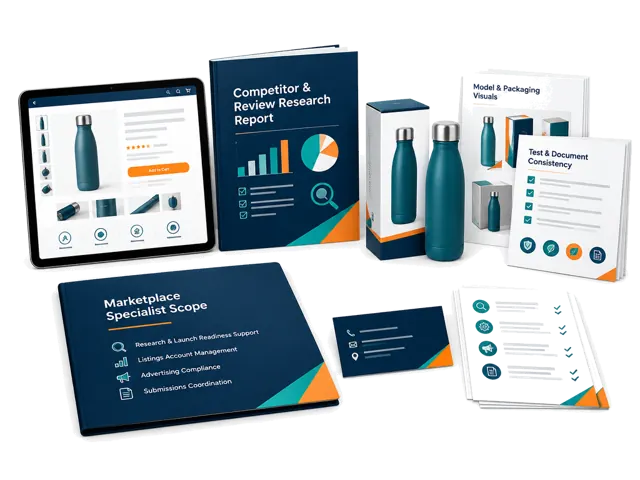
ليست هذه وظائف قياسية لدينا. ندعم بحث المنتج والاستعداد للإطلاق، ويمكن تنسيق إدارة الحساب والإعلانات والامتثال ضمن نطاق منفصل.
هل يمكن مواءمة وثائق امتثال العلامة الخاصة؟
نقارن العلامة والطراز والمصنع والتقرير والشهادة والتغليف والملصق والدليل والقائمة ونحدد التعارضات، دون ضمان القبول.
08
القرارات المتخصصة
هل تقدمون استشارات قانونية أو تنظيمية أو براءات أو شهادات؟
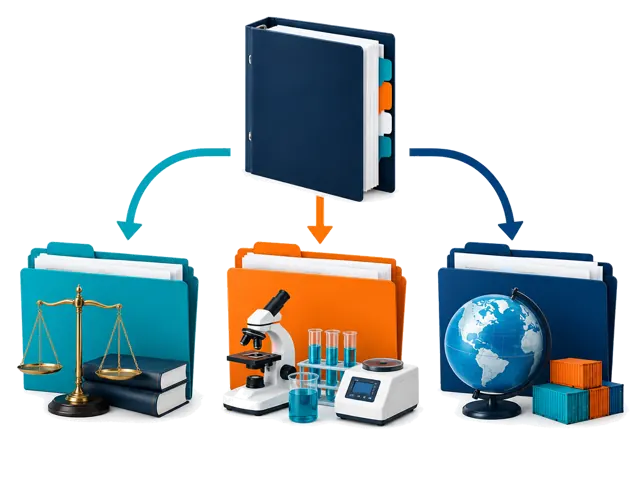
لا نقدم الحكم المهني النهائي. ننظم الوثائق والأسئلة وننسق مع متخصصين مؤهلين، أما النتيجة النهائية فمن اختصاصهم.
09
مقدمو الخدمات والشروط التجارية
كيف يتم اختيار مزودي الخدمة المستقلين ودفعهم؟
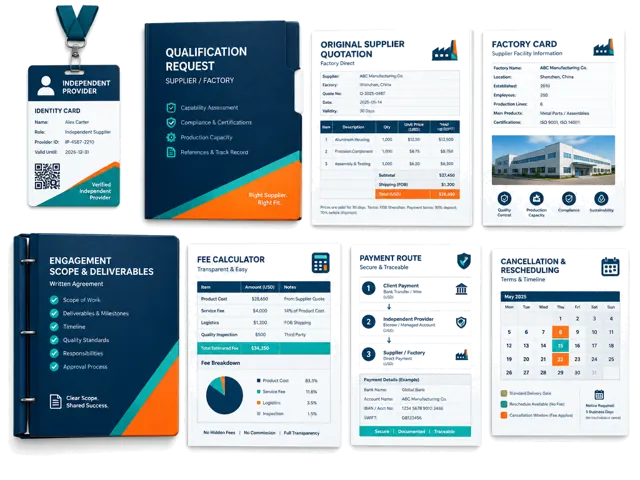
ننظر في النطاق والموقع والخبرة والمؤهلات ومتطلبات الأدلة والتوافر والملاءمة التجارية. وتؤكد الرسوم وطريقة الدفع والمسؤوليات قبل الموافقة.
هل تتلقى ChinaConnect247 عمولات من الموردين؟
لا نقبل دفعات غير معلنة لترتيب أو توصية مورد. ونفصح للمشتري عن أي علاقة تجارية مؤثرة في التوصية.
هل يحصل المشترون على هوية المصنع والعروض الأصلية؟
عندما تكون المعلومات متاحة وقابلة للمشاركة قانونياً، نحفظ الهوية والعرض الأصلي ونوضح ما لا يمكن تأكيده.
من يختار المفتش ويدفع له؟
نقترح مفتشاً وفق الموقع والمنتج والنطاق والمؤهلات والأدلة والتوافر والسعر. ويعتمد المشتري الهوية والنطاق والتكلفة قبل الحجز.
كيف أتحقق من ChinaConnect247 ومزود مستقل قبل الدفع؟
اطلب هوية المتعاقد والنطاق المكتوب وجهة الاتصال والمخرجات والسعر والمستفيد والمسؤوليات والإلغاء، واطلب المؤهلات أو التأمين عند الحاجة.
ماذا يحدث إذا تأخر المزود أو وقع نزاع أو ألغيت الخدمة؟
يحكم العرض أو الاتفاق المكتوب المواعيد والتأجيل والإعادة والاسترداد والمسؤولية. ننسق المتابعة ولا نفترض مسؤولية المزود تلقائياً.
10
البدء والمدة
ما المعلومات المطلوبة لبدء البحث؟
أرسل اسم المورد والموقع والمنتج والعرض والطراز ومعلومات المعرض والرسائل، مع السوق والكمية ومتطلبات العلامة التجارية.
كم تستغرق الأبحاث والزيارات والعينات والفحوص؟
لا يوجد وقت ثابت. تعتمد المدة على الأدلة والموقع والتخصيص وتجهيز الطلب وتوافر المزود، ونقدم تقديراً بعد مراجعة الطلب.
11
المسؤولية والمخاطر
هل تضمنون الجودة أو التسليم أو الامتثال أو مبيعات المنصات؟
لا. تقلل الأبحاث والتنسيق عدم اليقين، لكنها لا تضمن أداء المورد أو التخليص أو القبول أو المبيعات أو الربح.
12
الخصوصية والسجلات
كيف تحمون سجلات المشترين والموردين والسجلات التجارية؟
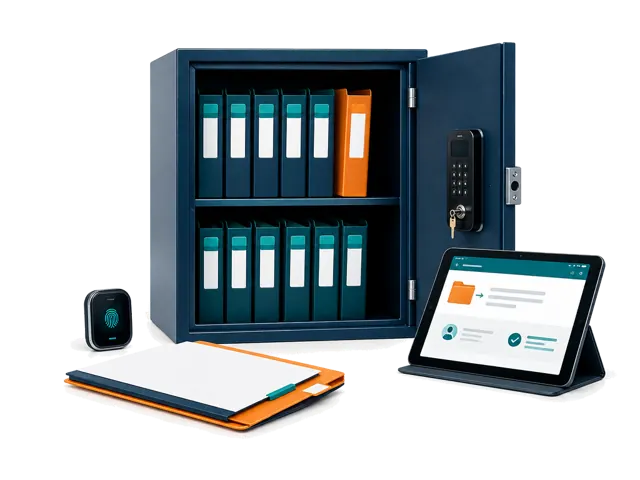
تحتاج سجلات My Fair الخاصة إلى مصادقة ولا يراها إلا مالكها. نحفظ الأدلة للتتبع ونشارك الحد الأدنى اللازم مع المزود.
ما زلت تقرر؟
أرسل إلينا المورد والمنتج والقرار الذي تواجهه.
سنوضح ما تستطيع ChinaConnect247 توليه، ومتى يلزم مزود مستقل، وما يبقى قرارك قبل بدء العمل المدفوع.
تُدار ChinaConnect247 بواسطة StructuredLayer.
تواصل مباشرة مع المشغل بشأن معلومات معرض كانتون أو My Fair أو أبحاث الموردين أو تنسيق التوريد أو الخصوصية أو دعم الحساب.
تصف هذه الإجابات حدود الخدمة العامة ولا تحل محل نطاق مكتوب خاص بالمشروع أو اتفاق مزود أو استشارة قانونية أو مراجعة تنظيمية أو نتيجة مختبر أو وثيقة تأمين أو قرار شراء.