

Internet and connectivity
Can You Use Google Maps in China? What Should Visitors Use Instead?
Google Maps may not behave normally in mainland China. Learn which map layers to prepare, how to save Chinese addresses, and how to navigate with pins and screenshots.
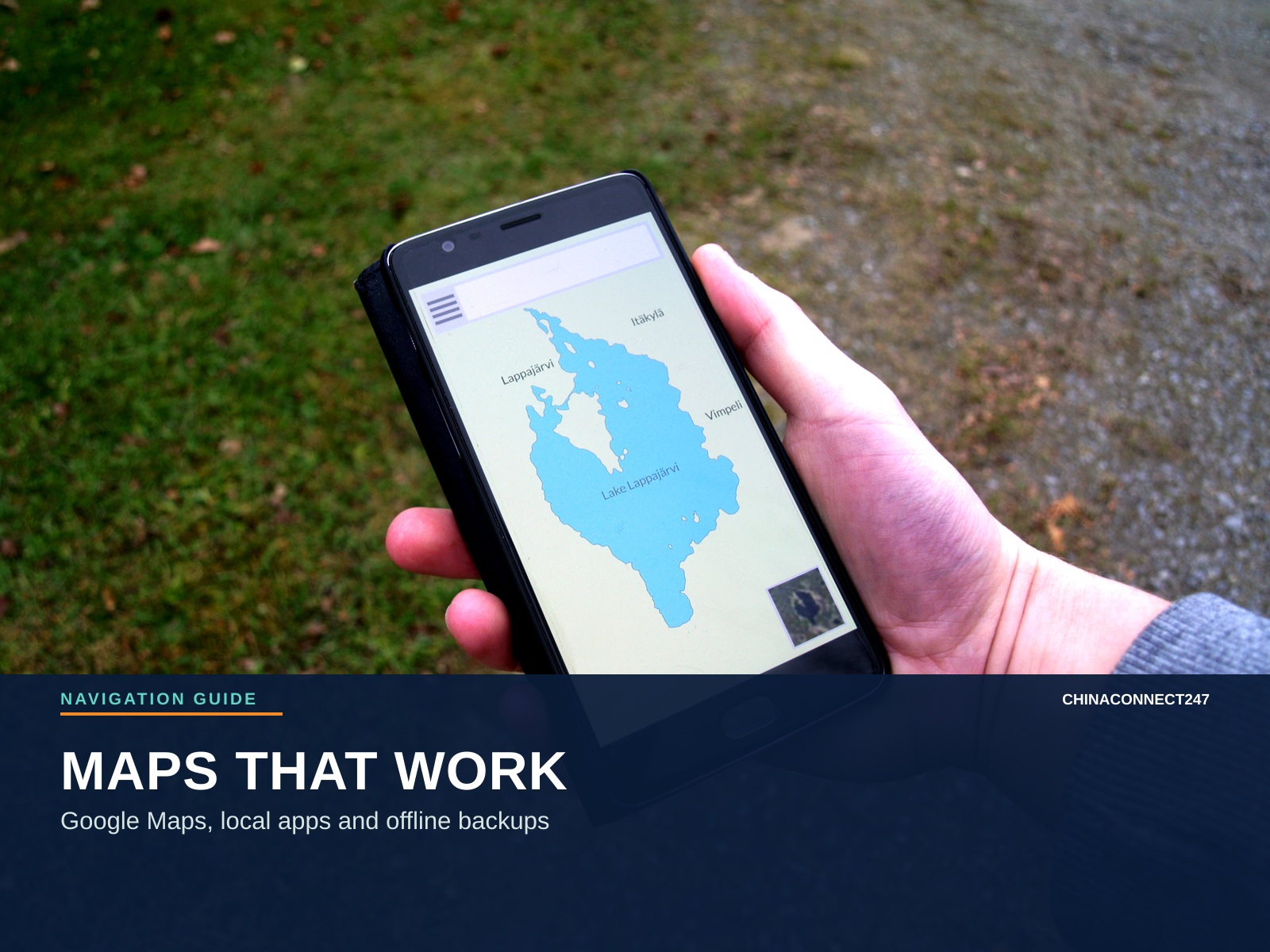
A map can be available on your phone and still be the wrong tool for a particular journey. In mainland China, visitors may find that Google services are unavailable on ordinary local connections, place data is incomplete, or a route that looked clear before departure is not useful after landing.
Quick answer
Do not make Google Maps your only navigation plan for mainland China. Save important places before travel, copy hotel and station names in Chinese, prepare AMap Global or another locally useful map layer, and keep screenshots and map pins available offline. For Canton Fair, save the area, hall, metro station and exit together.
The short answer
Google Maps should not be treated as a dependable primary navigation tool in mainland China. UK government travel advice says Google and several other services are blocked, while other sites may be blocked intermittently. Even when an app opens through a particular connection, the map data, location accuracy, routing and live traffic information may not behave as they do at home.
For a visitor, the most reliable plan is layered:
- Save essential places and routes before you fly.
- Install and test a local-navigation option such as AMap Global.
- Use Apple Maps as a useful iPhone layer where available, or keep Baidu Maps as a Chinese-language backup.
- Save Chinese names, addresses, pins and screenshots so a driver or hotel receptionist can help without relying on your live map.
- For the Canton Fair itself, use the current official fair platform for exhibitor, hall and itinerary information.
Why Google Maps can behave differently
There are several separate problems that visitors often combine into one question.
Service access
Mainland network controls can prevent Google Search, Google Maps and other Google services from loading normally on local Wi-Fi or a mainland SIM. A foreign roaming plan or travel eSIM may route data differently, but it is not a guarantee and should not be your only plan.
Map data and routing
A map can show a city while still having incomplete place data, old business information or a route that does not reflect current access points. A large venue such as the Canton Fair Complex has several areas, entrances and nearby stations, so a district-level pin is not enough.
Coordinate and address differences
Different map systems can display locations using different data sources and coordinate handling. A pin copied from one service may not land at exactly the same place in another. For a hotel or fair entrance, compare the Chinese address, building name and nearby landmark as well as the pin.
Offline limitations
Google’s official offline-map guidance says that the full driving route must be within the downloaded area. Offline mode does not provide live traffic or alternate routes, and offline transit, walking and cycling directions are not available. Downloading a map is useful preparation; it is not a complete replacement for a locally useful live map.
What visitors can use instead
- Best use
- English-friendly local search, driving, walking and transit
- Limitation to plan for
- Features and availability can vary by phone and region; test it before departure
- Best use
- iPhone search, saved places and a familiar interface
- Limitation to plan for
- Check the route and place data before relying on it; features vary by region
- Best use
- Detailed Chinese local search and routing
- Limitation to plan for
- Primarily Chinese-language for many visitors
- Best use
- Exhibitors, products, itinerary planning and venue routes
- Limitation to plan for
- Fair-specific; do not use it as your general city map
- Best use
- Offline backup and showing a driver
- Limitation to plan for
- A screenshot cannot update itself when a road or entrance changes
| Tool | Best use | Limitation to plan for |
|---|---|---|
| AMap Global / Gaode Maps 高德地图 | English-friendly local search, driving, walking and transit | Features and availability can vary by phone and region; test it before departure |
| Apple Maps | iPhone search, saved places and a familiar interface | Check the route and place data before relying on it; features vary by region |
| Baidu Maps 百度地图 | Detailed Chinese local search and routing | Primarily Chinese-language for many visitors |
| Canton Fair official app/platform | Exhibitors, products, itinerary planning and venue routes | Fair-specific; do not use it as your general city map |
| Screenshots and saved pins | Offline backup and showing a driver | A screenshot cannot update itself when a road or entrance changes |
Guangzhou airport guidance specifically points visitors toward Gaode, Baidu or Tencent Maps for accurate local navigation between terminals. That is useful confirmation that a local map layer belongs in a Guangzhou travel plan, even if you prefer an English interface.
Prepare addresses before departure
Create a simple address sheet for every place you will use. Each entry should contain:
- English name.
- Chinese name.
- Full Chinese address.
- Phone number.
- Nearest metro station.
- Station exit or entrance, if known.
- A saved pin or map link.
- A screenshot showing the pin and the surrounding roads.
For a Canton Fair trip, include the hotel, Guangzhou Baiyun Airport, Pazhou Station, Xingangdong Station, the Canton Fair Complex, your area and hall, the registration point, Guangzhou South Railway Station if you are travelling onward, and any supplier offices or factories you will visit.
Useful Guangzhou names include:
- Guangzhou Baiyun International Airport: 广州白云国际机场
- Canton Fair Complex: 广交会展馆
- Pazhou Station: 琶洲站
- Xingangdong Station: 新港东站
- Kecun Station: 客村站
- Wanshengwei Station: 万胜围站
The Chinese text does not need to be elegant. It needs to be selectable, readable and easy to show.
Save the hotel correctly
Do not save only the hotel brand. Hotels can have branches with similar English names, and the entrance shown in a booking app may not be the most useful drop-off point. Save the full Chinese address from the booking confirmation and ask the property whether the map pin marks the main lobby.
When you arrive, take a photo of the building entrance and the nearest station sign. Save it with the hotel booking. This helps when you return late, when a taxi stops on the opposite side of a wide road, or when a residential complex has several towers.
Use pins and screenshots together
A pin is useful when you have data and the map app can open. A screenshot is useful when the app cannot load, your battery is low or you need to show someone exactly what you mean. Use both.
For each important destination, capture:
- The place card with the Chinese name.
- The surrounding map with a recognisable road or landmark.
- The station exit, hall entrance or building lobby.
- The phone number and booking reference separately.
Avoid screenshots that show only a blue dot with no destination label. You may know what it means now, but another person cannot use it to help you later.
A Canton Fair route should contain four points
For a fair meeting, save the route as:
Hotel → Metro station → Fair area and hall → Meeting point
For example, “Pazhou” is not a complete meeting instruction. Add whether you need Area A, B, C or D, the hall number, the recommended station and exit, and a meeting point away from the station gates. The official Canton Fair app can help with exhibitor and itinerary routing inside the venue, but keep the hall and booth details in your own notes too.
If the live map fails
Stop trying random map apps while standing in traffic. Use the prepared fallback:
- Show the Chinese hotel or venue address to the driver.
- Ask the hotel front desk to write the destination.
- Use a metro station name and exit instead of a vague neighbourhood.
- Open the saved screenshot and compare visible landmarks.
- Call the destination using the number on your address sheet.
- Move to a safe, staffed place before troubleshooting your phone.
Do not follow an unfamiliar pin into a private building just because the app says you have arrived. Compare the entrance, name and address.
Before-you-fly map checklist
- Download an offline map area where the service supports it.
- Install and test AMap Global or your chosen local map option.
- Save hotel, airport, fair areas, stations and meeting points.
- Copy Chinese names and addresses into an offline note.
- Save screenshots with labels, not only blue location dots.
- Record phone numbers and booking references.
- Confirm the current Canton Fair area, hall and entrance.
- Carry a charger or power bank.
- Tell a colleague where the address sheet is stored.
The goal is not to find one perfect map app. It is to make sure one unavailable service cannot take your hotel, fair meeting or airport route with it.
Map availability, app features, traffic and venue access can change. Check current official travel, Guangzhou and Canton Fair information before departure.
Sources and evidence
Open the original publications and product references used in this article.
- 01UK Foreign Travel Advice: China safety and securitygov.uk
- 02Google Maps Help: Download areas and navigate offlinesupport.google.com
- 03Google Maps Help: Save favorite places and create listssupport.google.com
- 04Guangzhou International: Baiyun Airport T3 travel guidancegz.gov.cn
- 05Apple Support: Download maps for offline usesupport.apple.com
- 06Apple Maps and privacy in mainland Chinaapple.com
- 07AMap Global official App Store listingapps.apple.com
- 08Baidu Maps official App Store listingapps.apple.com
- 09Canton Fair APPcief.cantonfair.org.cn
Keep the context with the contact.
Save supplier cards alongside products, quotes, questions, samples, and the next action.