
01
A supplier review tool
Bring public company research, risk questions and supplier follow-up preparation into your team's sourcing workspace.
Company profile → questions to verify → follow-up draft
API & Integrations
Connect product, market, supplier and buyer research to your website, internal tools or AI workflows.
An API lets your software request information from another service automatically. A developer or integration partner can help connect it.

Your tool
Provide the product, country, company or quotation details.
Research request
Your software requests the relevant research through the API.
Useful output
Use structured results and supported PDF reports in your workflow.
You can use My Fair or explore our research services directly. You do not need to understand APIs.
Built around your workflow
These examples show how research could fit into your own product. We can discuss the tools and access needed for your particular project.
AI-generated conceptual illustrations explain possible workflows; they are not interface screenshots or supplier evidence.
01
Bring public company research, risk questions and supplier follow-up preparation into your team's sourcing workspace.
Company profile → questions to verify → follow-up draft

02
Help users explore product opportunities, compare destination markets and prepare questions before investing.
Product idea → market research → launch considerations
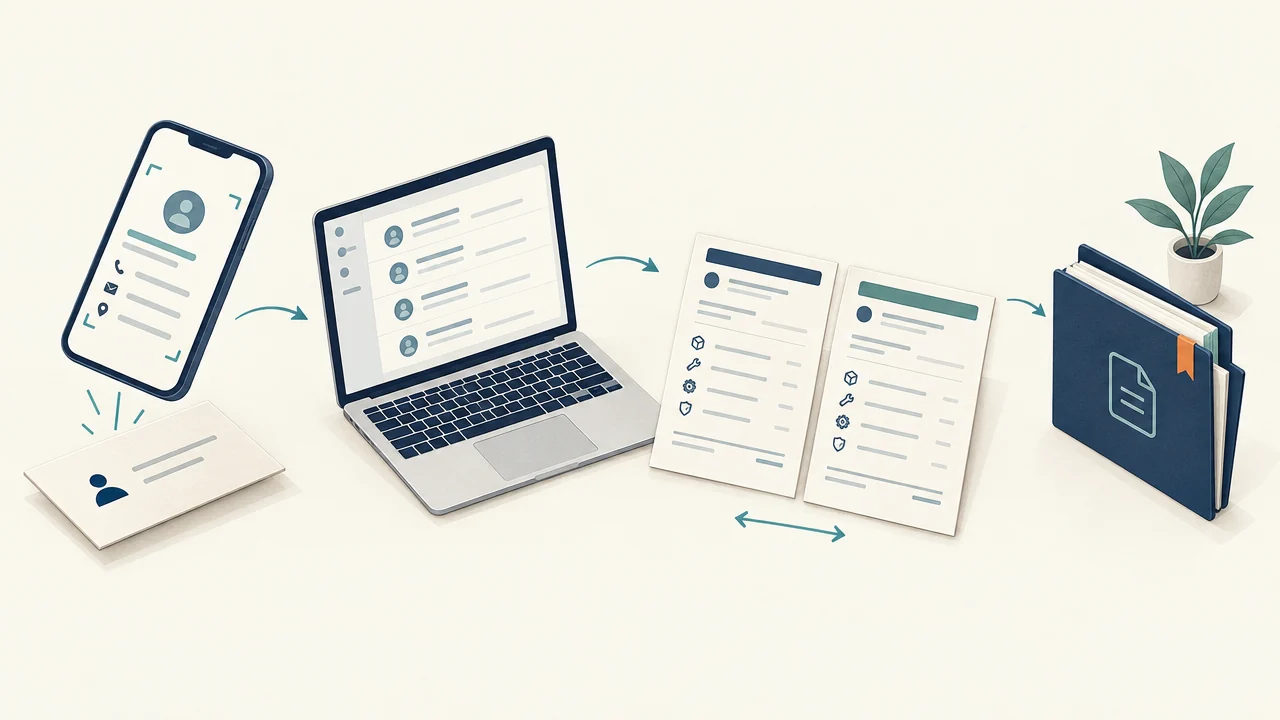
03
Connect business-card extraction, quotation comparisons and supported report downloads to tools your team already uses.
Contact details → quotation comparison → saved report
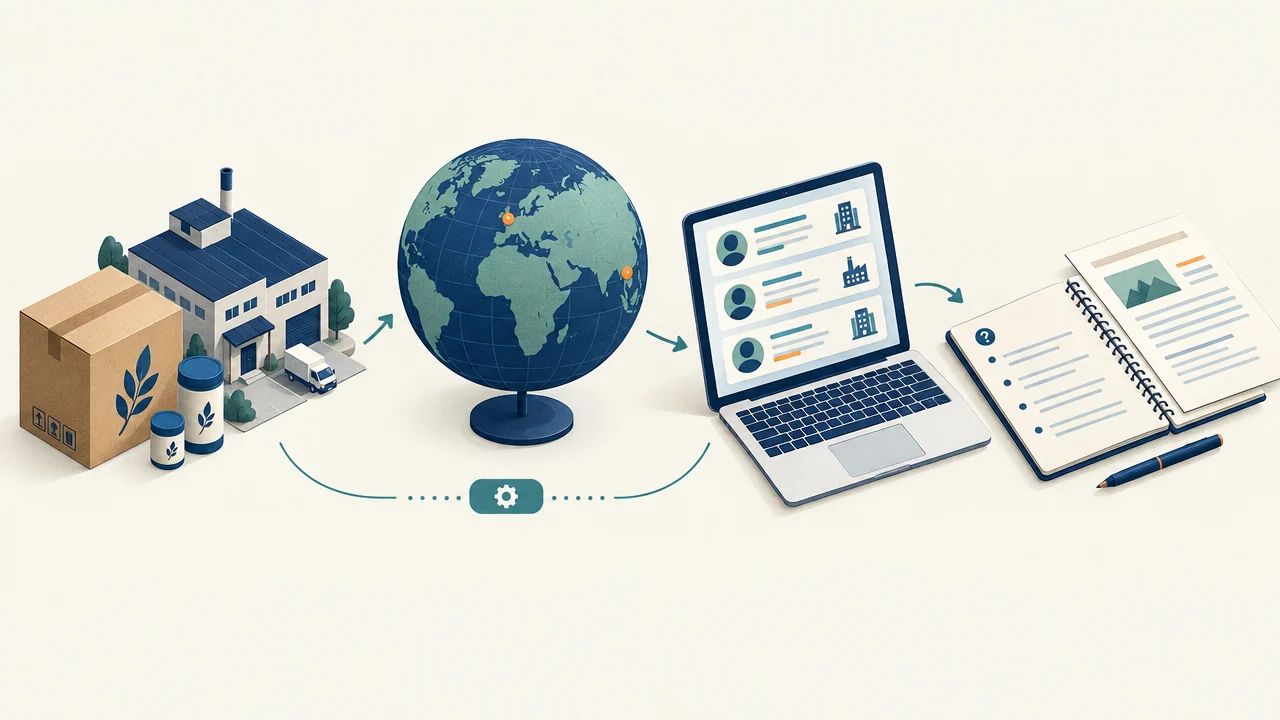
04
Support potential buyer research, destination-market assessment and preparation for sales conversations.
Potential buyer → company research → meeting preparation
For developers & integration teams
Browse the tools below when you need technical detail. Contact us for the API base URL, current documentation, available endpoints, usage limits and pricing before building.
Structured JSON
Research results your software can work with.
Supported PDF exports
Download supported saved reports.
Key-based access
Confirm authentication and access for your integration.
Explore potential import products using a destination, budget and business model.
/api/opportunityResearch a product or category in one country: demand signals, competition, pricing, channels and entry questions.
/api/marketCompare selling channels and prepare illustrative economics, content ideas and launch guidance.
/api/commerceCompare supplied quotations, included charges, payment terms and known cost differences.
/api/quote-compareResearch a supplier's public business information and questions requiring verification.
/api/researchReview available risk signals, documentation questions and unresolved checks.
/api/riskPrepare import-cost scenarios and identify missing cost inputs.
/api/buyer/costPrepare questions from saved research, risk and cost reports.
/api/questionsDraft supplier messages for email, WhatsApp or WeChat. This does not send them.
/api/followupExtract contact information from a supplied business-card image.
/api/scan-cardResearch a potential buyer's public company information.
/api/supplier/researchSurface destination-specific export and documentation questions.
/api/supplier/complianceResearch a selected product or category and destination market.
/api/supplier/marketPrepare questions for evaluating a potential buyer.
/api/supplier/questionsPrepare a pitch using saved research context.
/api/supplier/pitchIdentify potential buyers and channels for further qualification. Interest is not confirmed.
/api/buyer-discoveryThe two Market Intelligence routes share an underlying research engine.
/api/research-pdf/api/risk-pdf/api/buyer/cost-pdf/api/questions-pdf/api/supplier/market-pdf/api/supplier/market-pdf-large/api/opportunity-pdf/api/quote-compare-pdf/api/followup-pdf/api/commerce-pdf/api/supplier/compliance-pdf/api/supplier/pitch-pdf/api/buyer-discovery-pdfx-api-key.application/pdf.Research takes time. Your developer should confirm request timing, error handling and report dependencies in the current documentation. Keep API credentials on your server.
Endpoint paths shown here are relative to the API service base URL; they are reference text. Ask for the current host and documentation rather than adding them to this website’s address.
Documentation formats: /api/docs?format=openapi, /api/docs?format=markdown and /api/docs?format=tools.
Let’s discuss your idea
Describe your website or tool, the research you need and how your team would use it. You can enquire even if you do not have a developer yet.
Discuss an integration inquiry@chinaconnect247.com